

Free shipping within the USA for orders over $59.99USD!

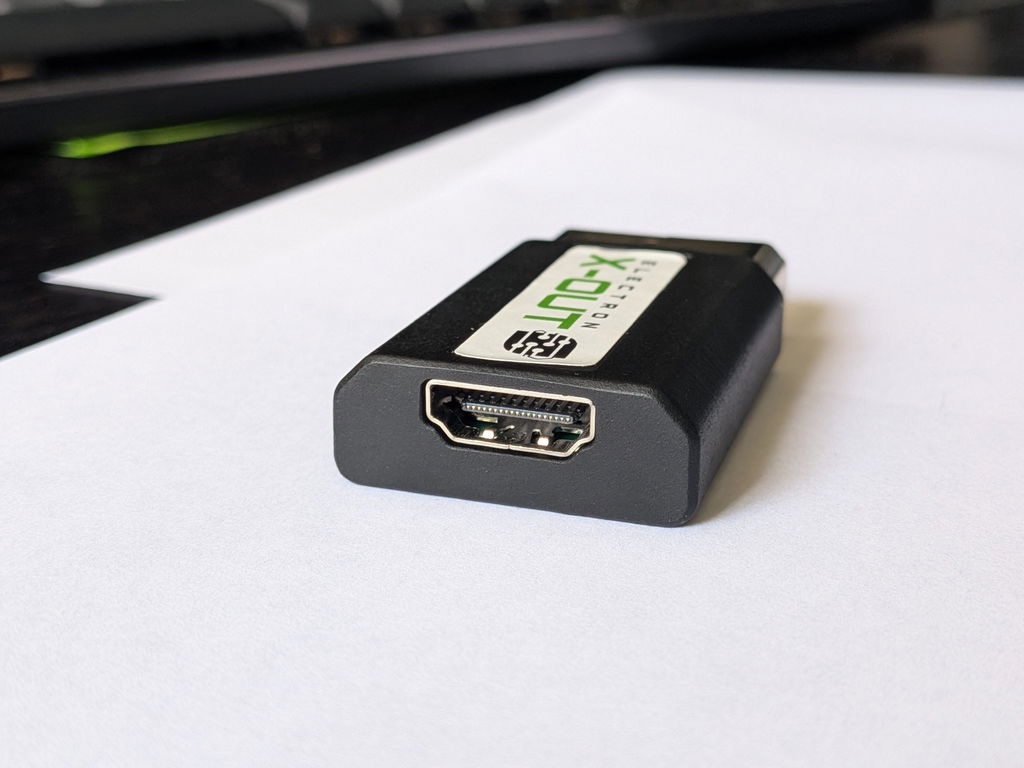
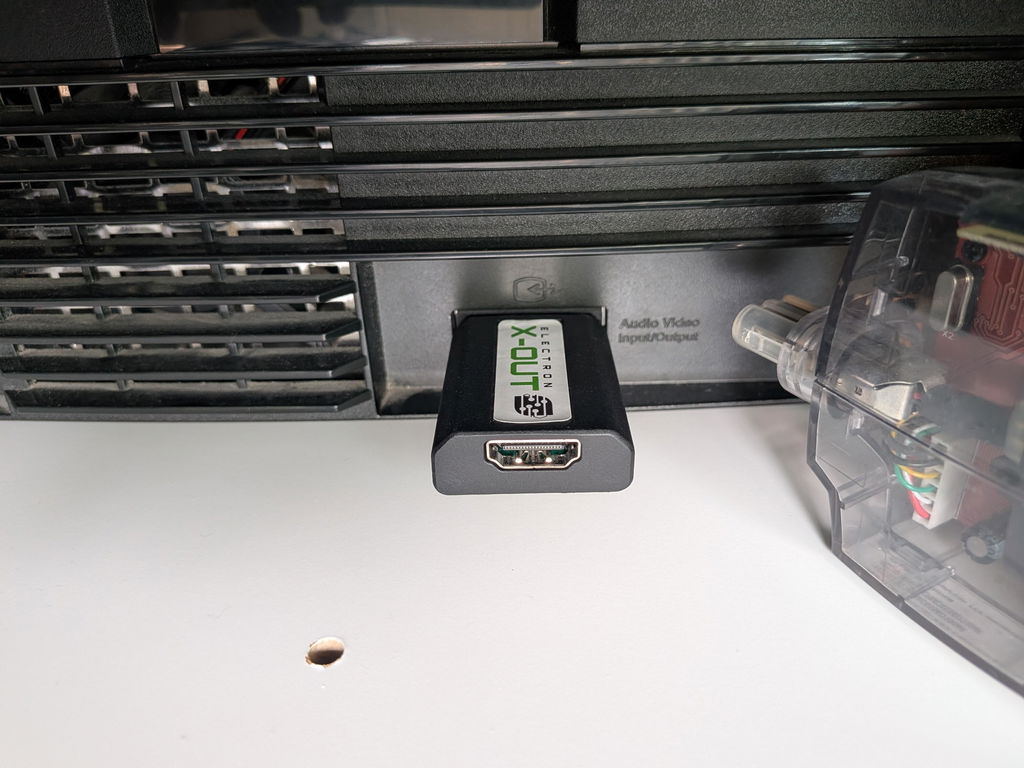
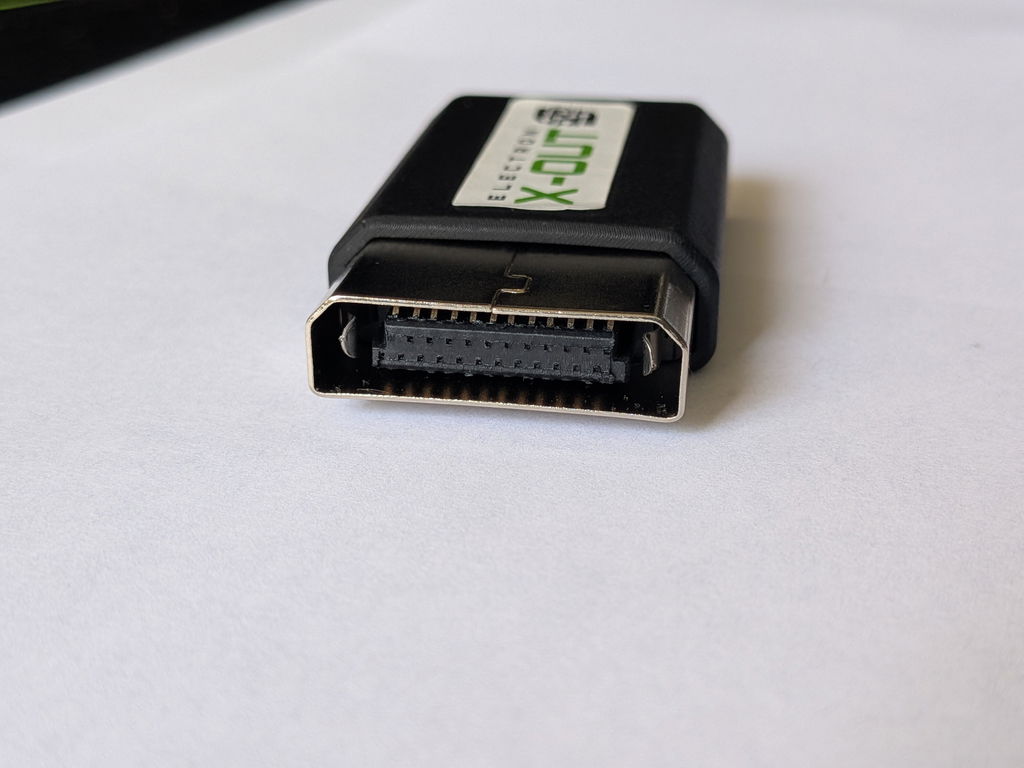
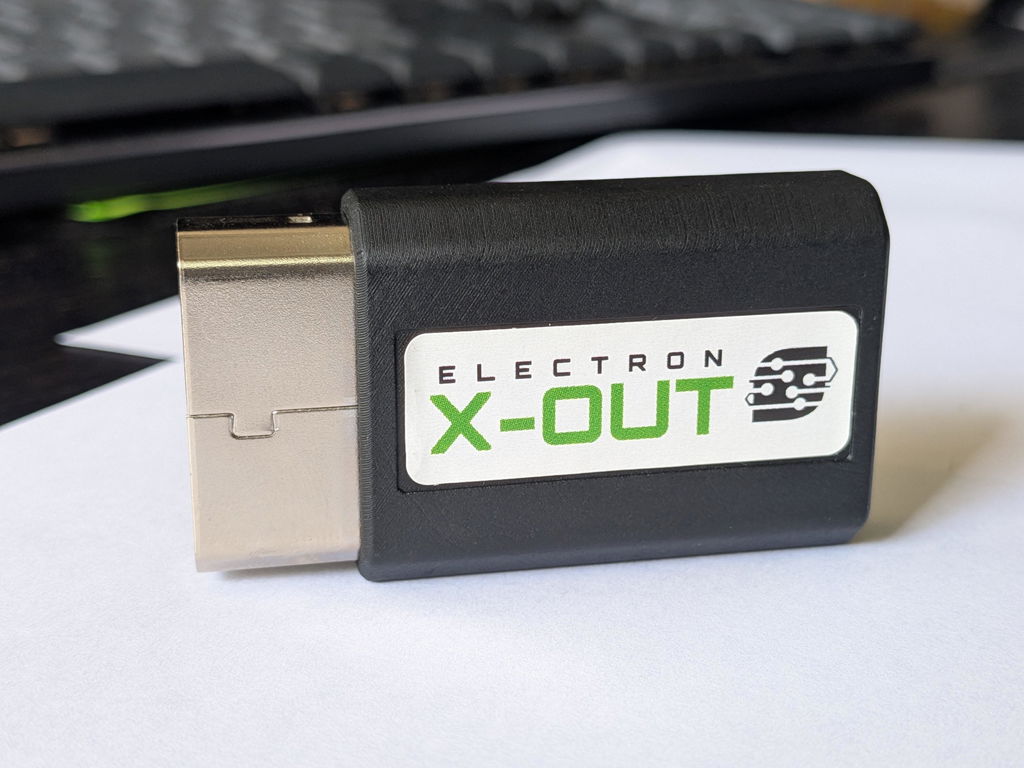
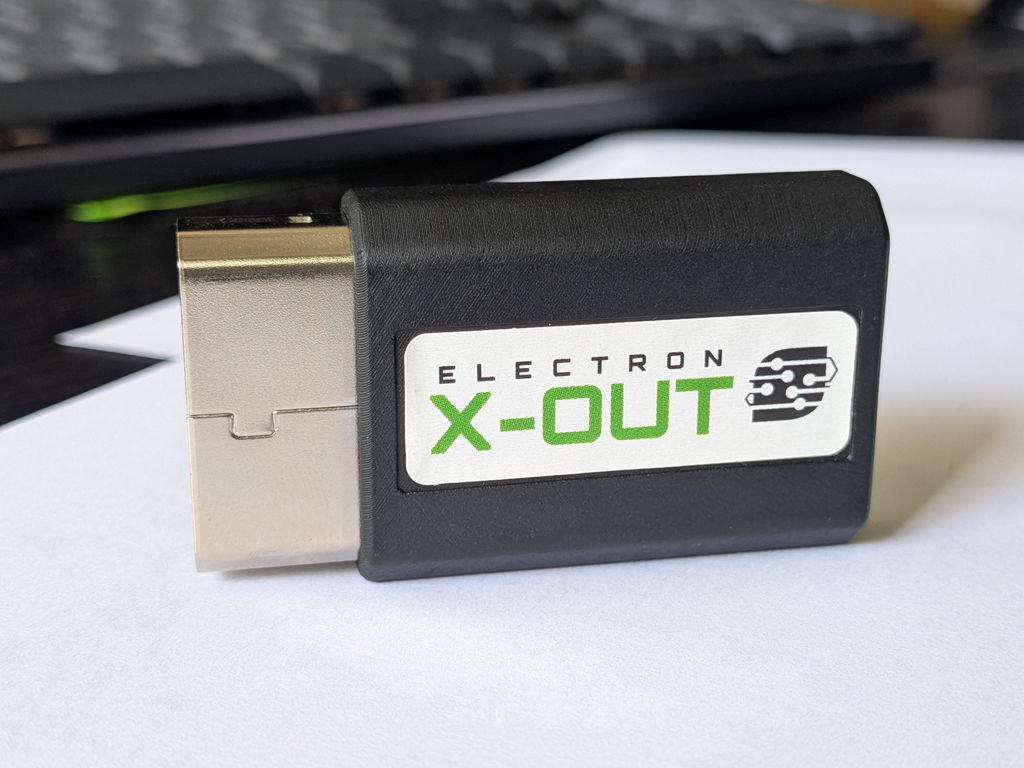
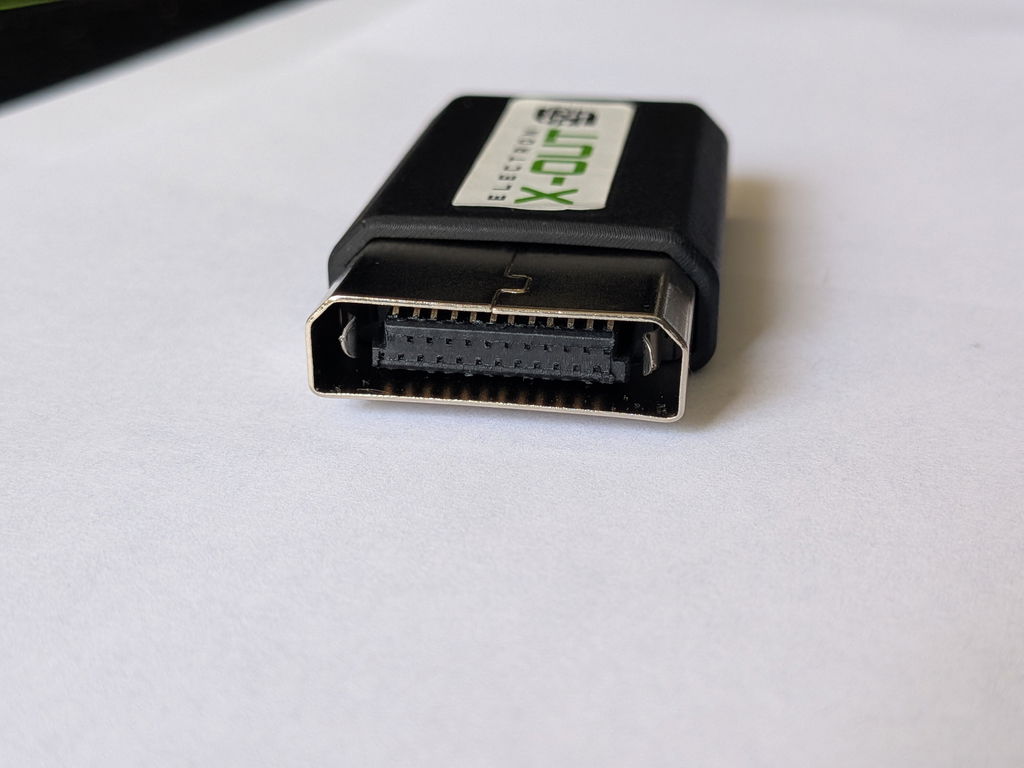
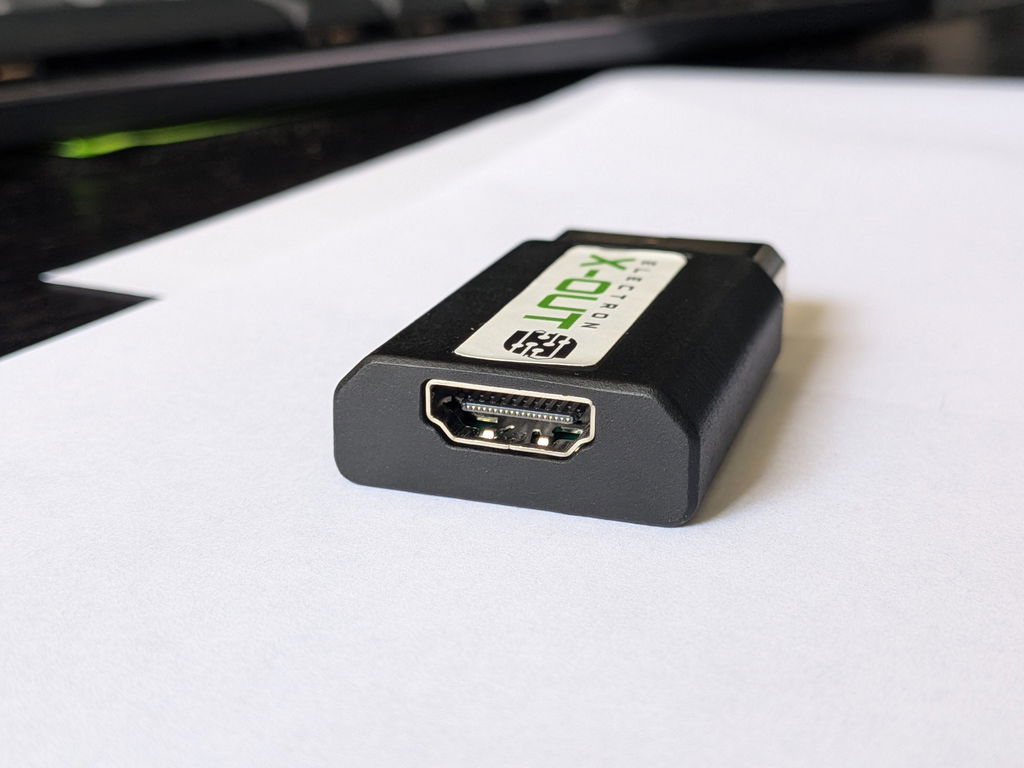
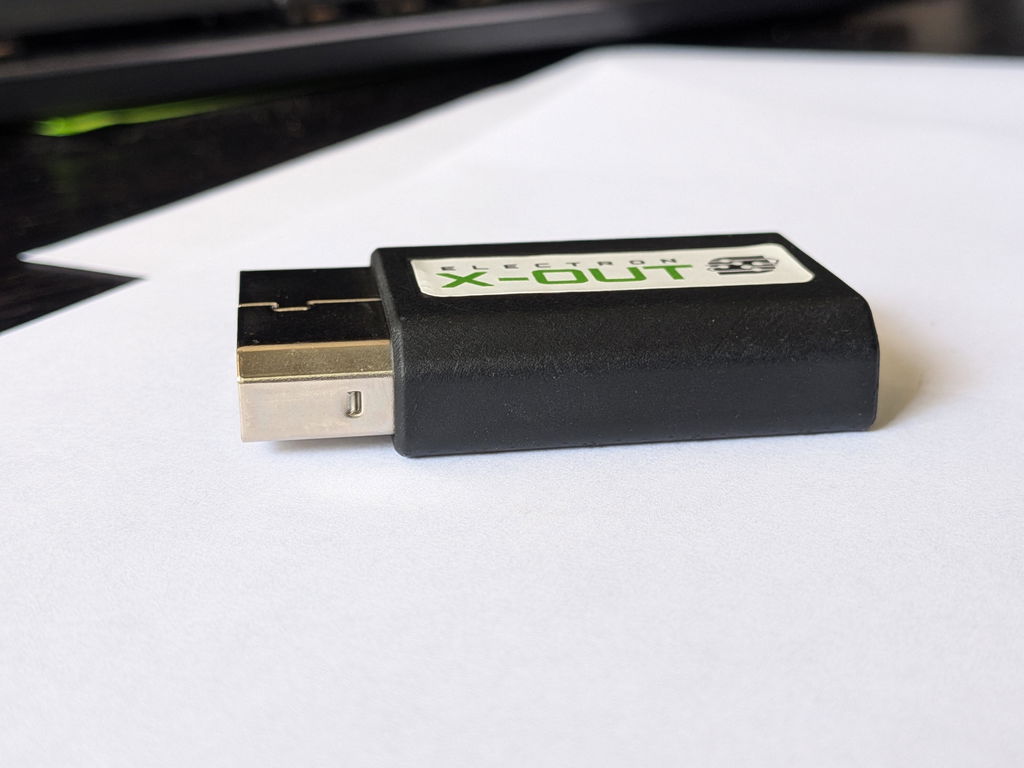
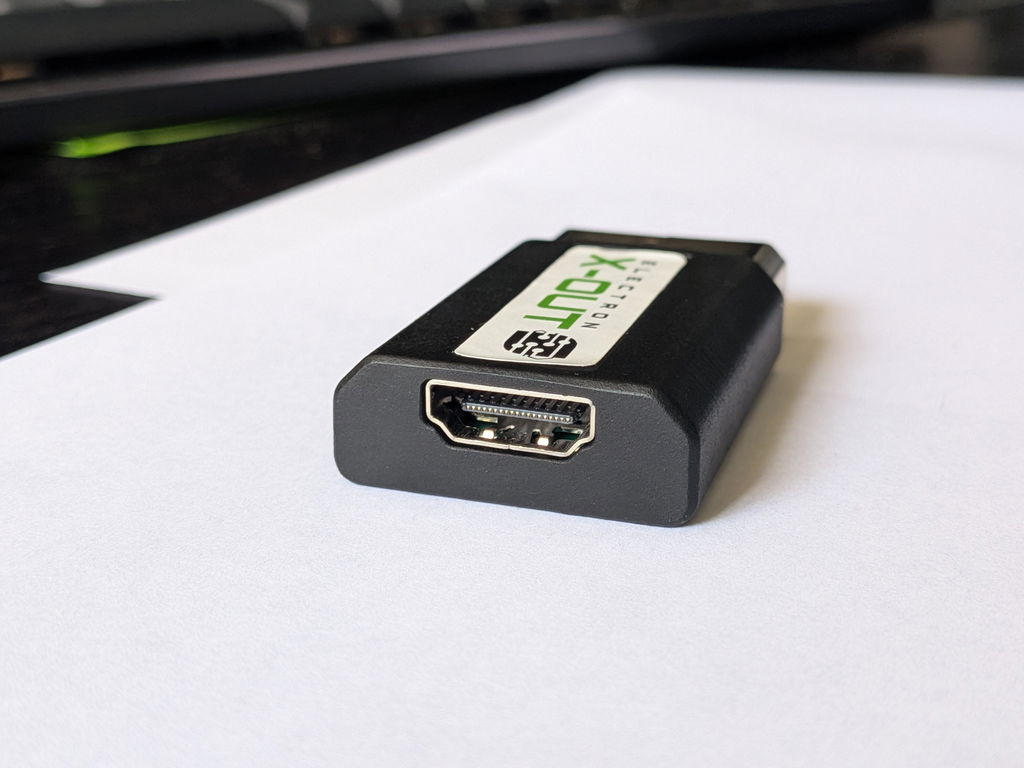
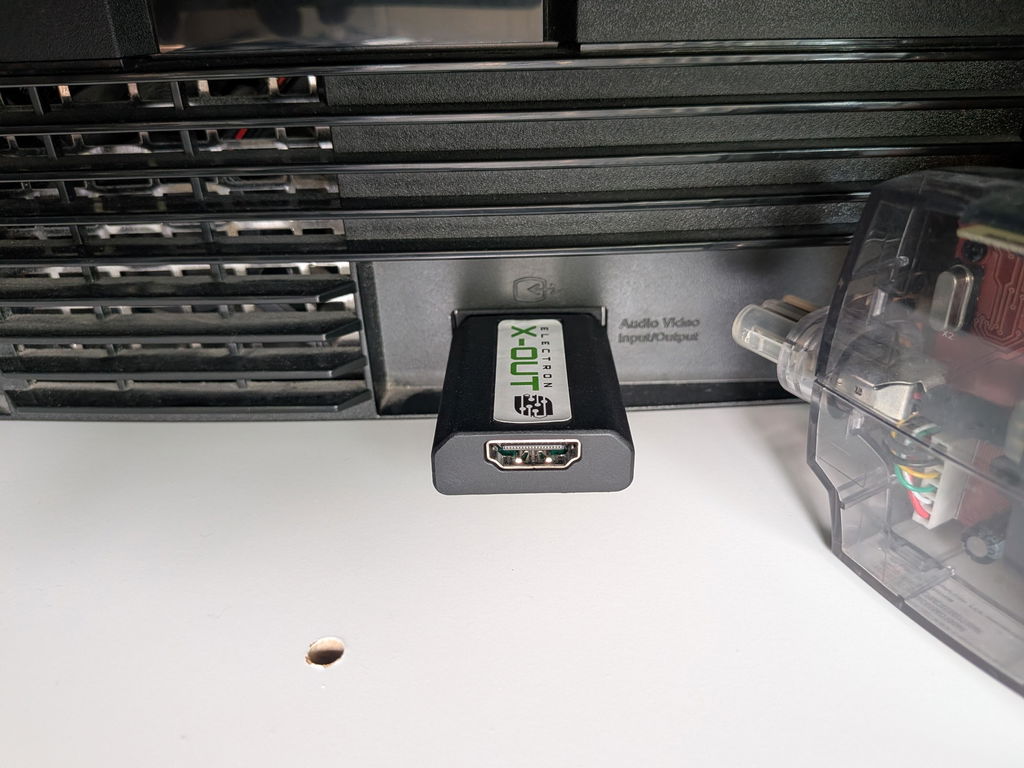
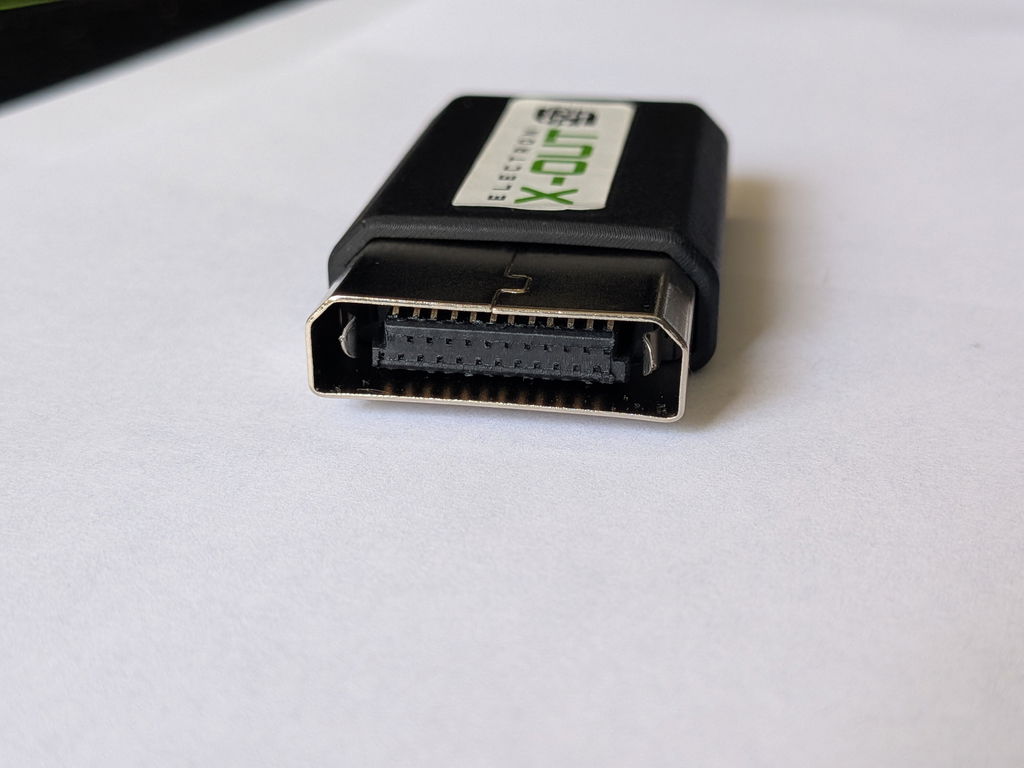
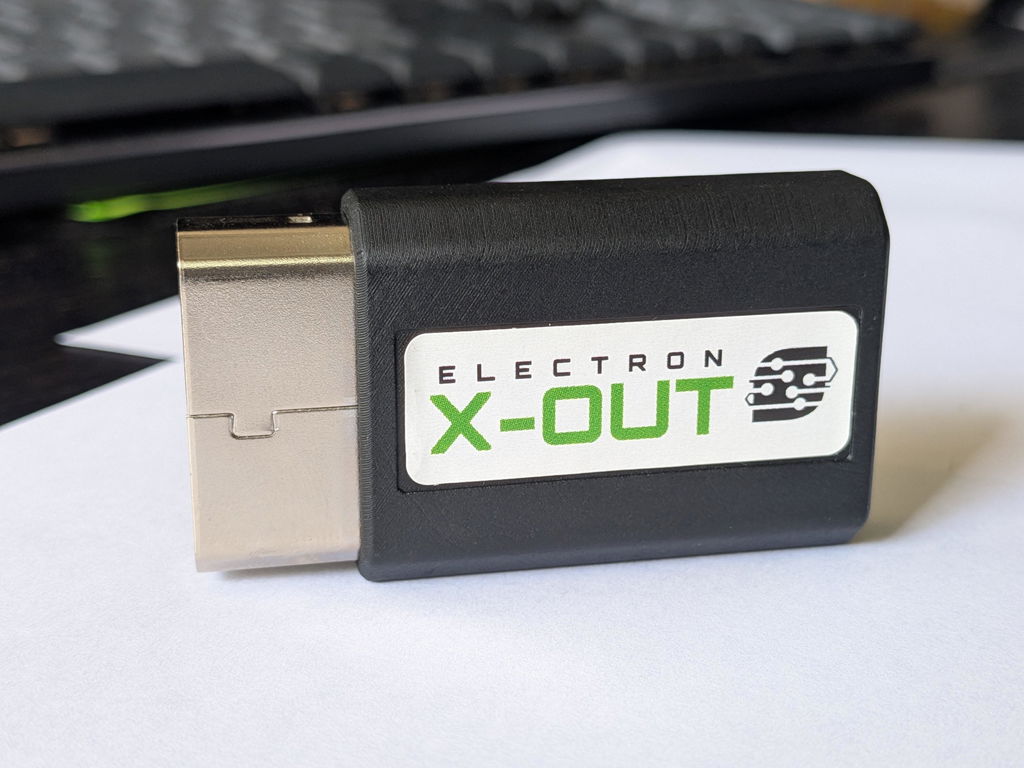
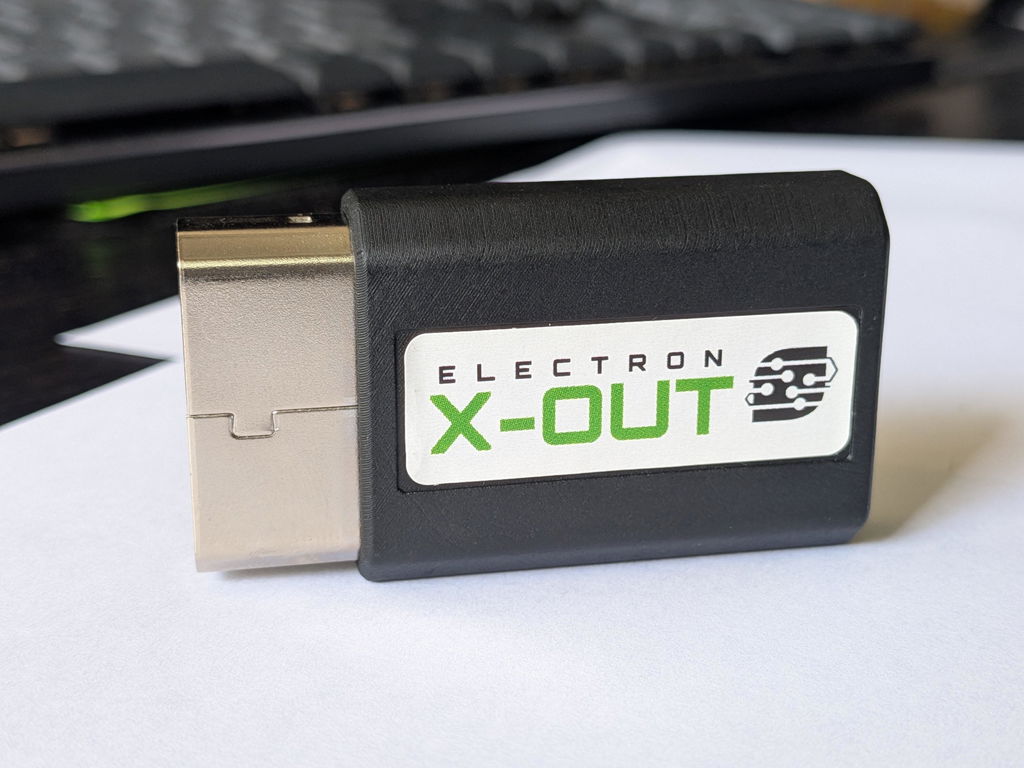
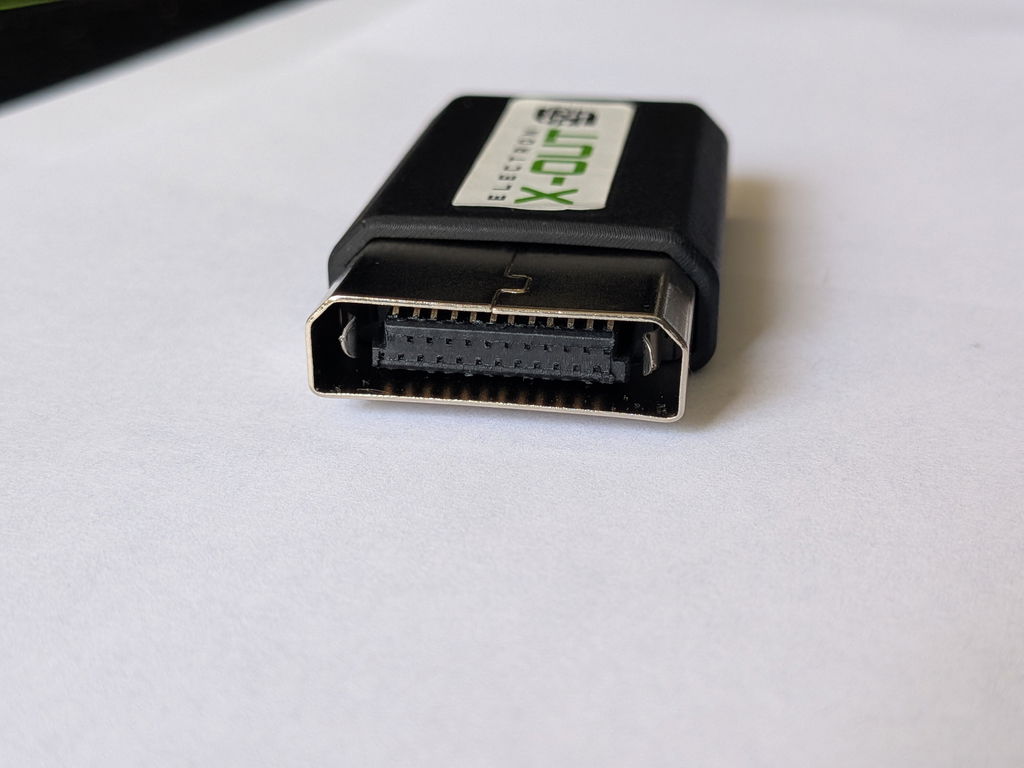
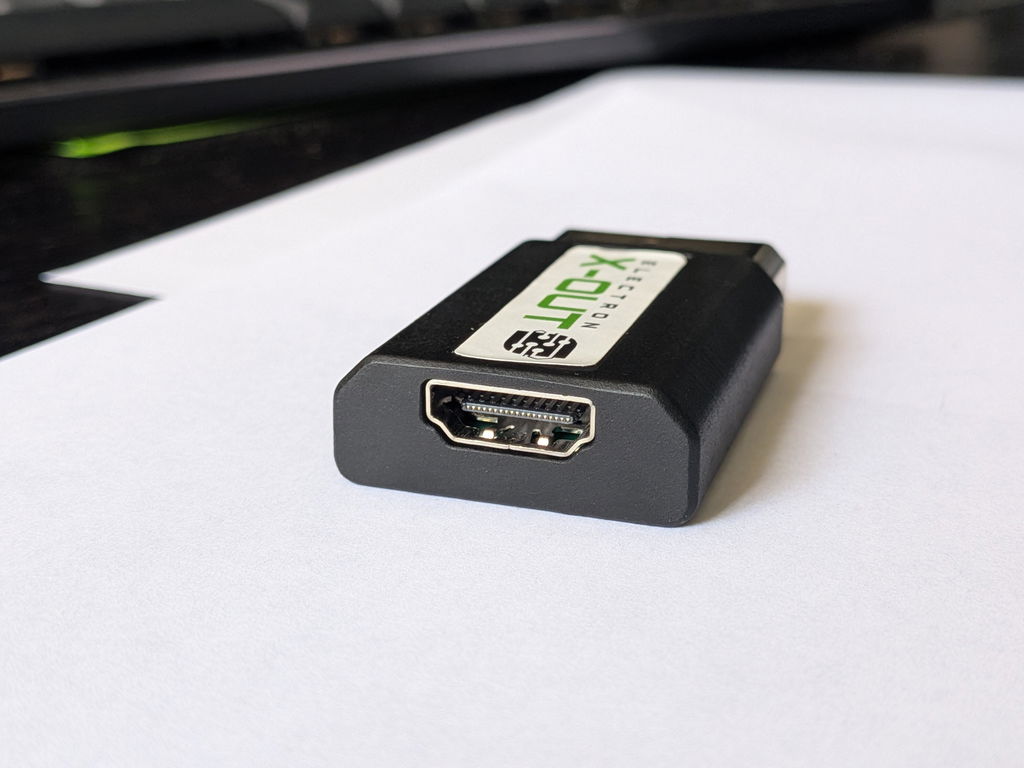
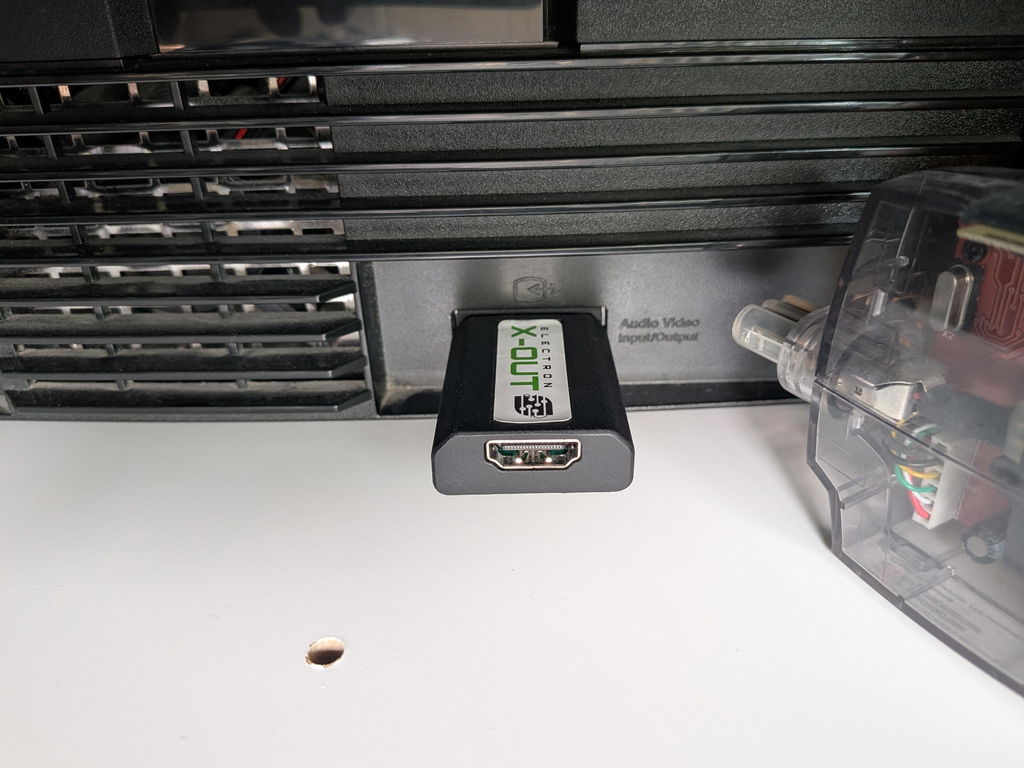
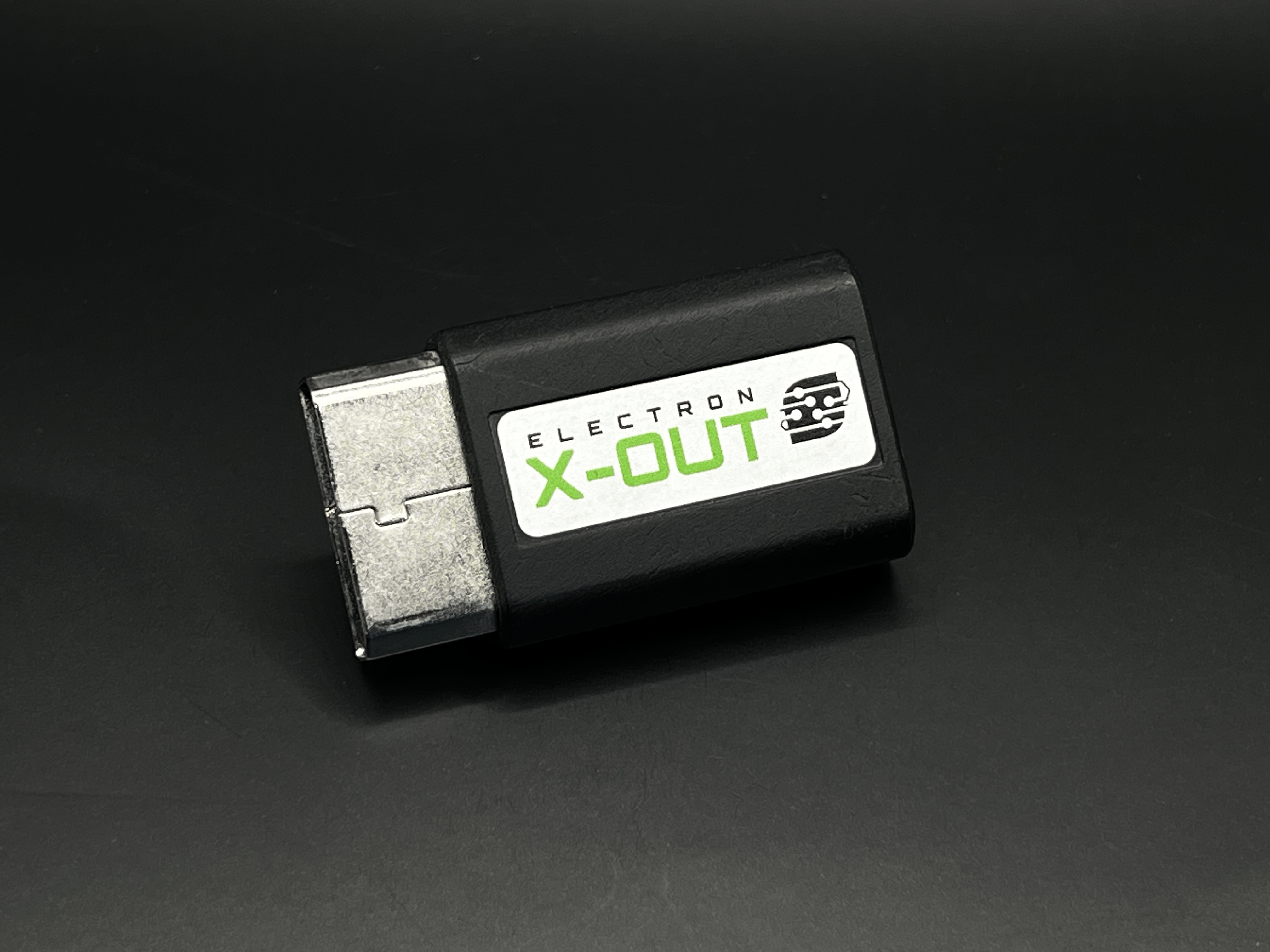
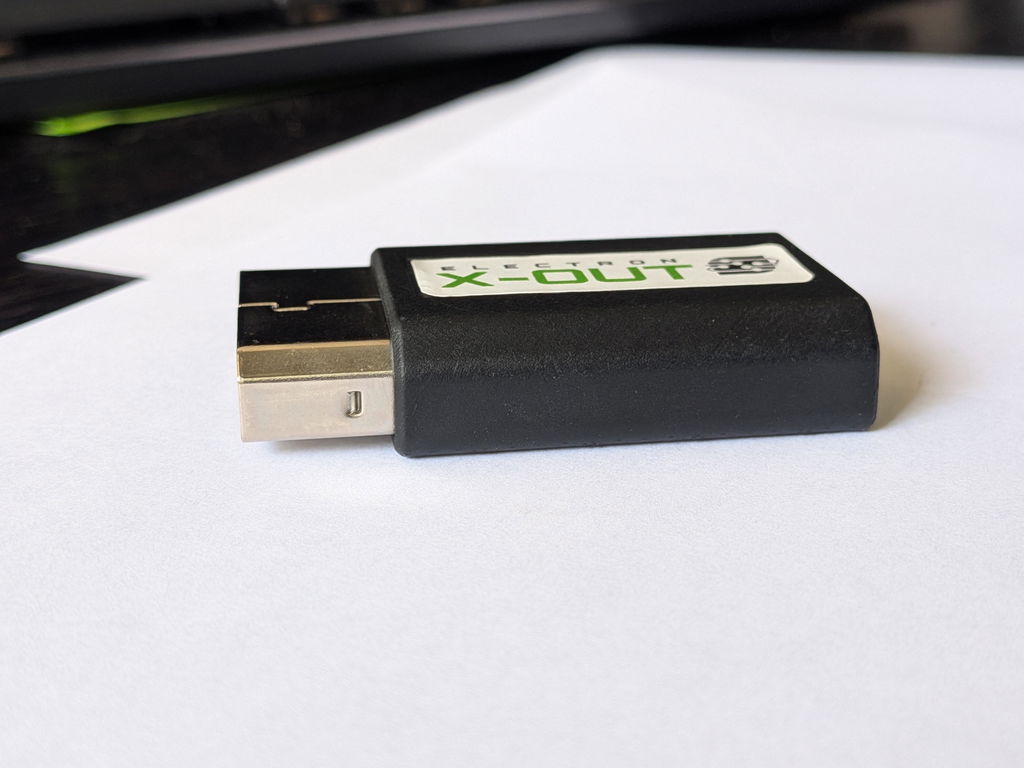
This tiny, power-packed module takes in the Component video and audio output from the Original Xbox™ and outputs an HDMI™ signal with embedded Dolby Surround Sound (if that audio setting is enabled in your Xbox’s settings). Unlike other converters on the market, the ElectronXout is compatible with all versions of the Original Xbox!

This module utilizes a fully custom PCB with a higher quality, next generation IC compared to what is typically used on the widely available analog-to-digital modules that are readily available online. If you are not happy with those modules, then you will absolutely be happy with these.

Features

These modules are not compatible with the Xbox 360. These are only intended for use with the Original Xbox.

This module efficiently supports all of the resolutions that are default to the Original Xbox:

NTSC Consoles:

  • 480i, 480p, 720p, 1080i

PAL Consoles:

  • 576i

These modules also utilize embedded Digital Surround Sound audio over the HDMI™ signal which is perfect for achieving surround sound audio with the proper receivers/TV and speakers.

Technical Specifications

Size: 58mm x 33mm x 12.6mm
Supply Voltage: 5V
Video Input: Component
Audio Input: Digital Surround Sound
Video Output: HDMI™
Compatibility: NTSC and PAL (all resolutions are supported!)
Latency:
LAG FREE!!

What's Included
  • 1x ElectronXout
Special Instructions

This module utilizes the Dolby Surround Sound audio from the Xbox. Make sure that your Xbox's audio settings are set as follows otherwise audio will not work:

  • Audio Mode: Dolby Surround
  • Dolby Digital: Disabled
  • DTS: Disabled
Debug Steps

When using the ElectronXout, some customers have reported seeing wavy lines across the image, green/purple stripes, or vertical jailbars. Here are some examples of these image problems and ways to solve them, if possible. 

Often times these image problems do not appear with the "normal" Xbox cables since those utilize Composite (CVBS) video - you can tell they are Composite cables if they use yellow, white, and red RCA jacks.  The ElectronXout utilizes the higher fidelity Component (YPbPr) video which is a different video signal from CVBS altogether. 

Type 1: Wavy Lines or Green/Purple Stripes?

You can open each of these images in a new tab to see them larger as examples of this behavior.

Examples of wavy lines. Examples of green/purple stripes.

If your Xbox is exhibiting this type of behavior, then more often than not the image quality can be improved significantly by replacing the main electrolytic capacitors on the power supply unit (PSU).  The specific capacitors to replace vary for every PSU version and that information can be readily found online.

Type 2: "Jail Bars"

Some consoles have been known to produce faint jail bars in the image that are picked up and displayed by the high quality converter inside of the ElectronXout. 

These consoles can also benefit from capacitor replacements as described above, but also forcing the system to output a 480p resolution instead of a 480i resolution has been known to solve this problem. That can typically be done by "soft modding" your console via the various methods found across the web.

Example of jail bars.

There are some consoles that are known to experience this more often than others as described in this nice write up here.

You can also try the following (suggested by @Batpixel on YouTube):
- While on the Xbox dashboard, hold the left trigger and right trigger at the same time and click the left & right stick at the same time. This 4-button combo forces the Xbox into 'component mode' for 480p instead of 480i. This can instantly get rid of jail bars if your console is displaying 480i.

- If that does not work, then you have an "old" version of the dashboard. You can put in a Xbox Live game in their Xbox, such as Star Wars: Battlefront 2, and it will install the dashboard update which will allow the top option to work.

Notes for Old Product Versions

This information only applies to ElectronXout (previously known as Xbox2HDMI) units purchased in 2023 or earlier.

With this newest version of this module, V3, the Digital Surround Sound audio input has been fixed to work with every revision of the Xbox.  V1 and V2 versions will not be shipped out any longer. All orders from 2024 on are V3 versions.

After the first release of these modules we received some reports that they were not producing sound output when used with Xbox units with Revision 1.0 hardware while connected to some specific TVs and sound bars. We released a V2 version of the module that looked to solve this issue with the addition of a small switch that allows the user to swap between analog and digital surround sound. The new V3 unit completely solves the audio issue and allows for digital surround sound on all Xbox units

This information is only being kept here for individuals who still own a V2 unit.  This switch does not exist on the V3 version.

There is a small, accessible selector switch inside of the product on the side that has the HDMI™ connector. This switch allows the user to switch between using the analog or surround sound audio output from the Xbox.

When the switch position is changed the module must be disconnected and reconnected to your Xbox for the change to take effect.

Be sure to select the correct audio output in the Xbox settings. Failing to do so will result in no sound output.

While looking directly at the switch:

  • When the selector switch is to the left then only the surround sound audio is being used
  • When the selector switch is to the right then only the analog audio is being used.
EU Product & Safety Information

Manufacturer:
Electron Shepherd LLC
951 Old County Rd., Ste 2, PMB #192, Belmont, CA 94002, USA
info@electron-shepherd.com

EU Responsible Person (Regulation (EU) 2023/988, Art. 16):
Representa GmbH
In der Holle 27, 32791 Lage, Germany
info@eu-representa.com

Product: ElectronXout - 100-000031-00

Safety information / Informations de sécurité / Sicherheitshinweise / Veiligheidsinformatie:

EN: Use HDMI cables shorter than 3 m. If an external supply is used, use a compliant regulated 5 V supply. Electronics contain static-sensitive parts: handle by the case. Do not dispose of electronics with household waste (crossed-out bin): use a WEEE collection point. Sort packaging per local rules.

FR: Utilisez des câbles HDMI de moins de 3 m. En cas d'alimentation externe, utilisez une alimentation régulée 5 V conforme. Les appareils électroniques contiennent des composants sensibles à l'électricité statique : tenez-les par le boîtier. Ne jetez pas les appareils électroniques avec les ordures ménagères (poubelle barrée) : déposez-les dans un point de collecte DEEE. Triez les emballages selon les consignes locales.

DE: HDMI-Kabel unter 3 m Länge verwenden. Bei externer Stromversorgung ein konformes, stabilisiertes 5-V-Netzteil einsetzen. Elektronik enthält elektrostatisch empfindliche Bauteile: nur am Gehäuse anfassen. Elektronik nicht im Hausmüll entsorgen (durchgestrichene Mülltonne): Sammelstelle für Elektro-Altgeräte nutzen. Verpackung nach den örtlichen Vorgaben trennen.

NL: Gebruik HDMI-kabels korter dan 3 m. Gebruik bij een externe voeding een conforme, gestabiliseerde 5V-voeding. Elektronica bevat statisch gevoelige onderdelen: bij de behuizing vastpakken. Gooi elektronica niet bij het huishoudelijk afval (doorgekruiste afvalbak): gebruik een inzamelpunt voor elektronisch afval (AEEA). Sorteer de verpakking volgens de lokale regels.


California Proposition 65 WARNING

⚠ WARNING: Risk of cancer and reproductive harm from exposure to lead. See www.P65Warnings.ca.gov.

All company, brand, and product names are trademarks or registered trademarks of their respective holders. Electron Shepherd LLC has no affiliation to, is not associated or sponsored by, and has no express rights to third-party trademarks.

The terms HDMI, HDMI High-Definition Multimedia Interface, HDMI trade dress and the HDMI Logos are trademarks or registered trademarks of HDMI Licensing Administrator, Inc. 

Quality Comparison

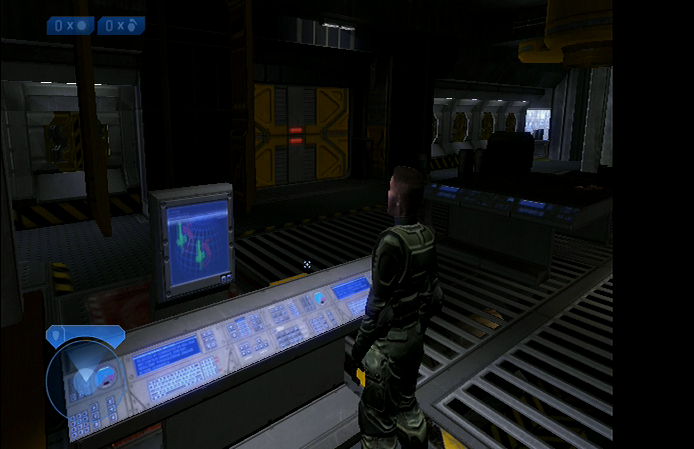
POUND HD Link for Xbox
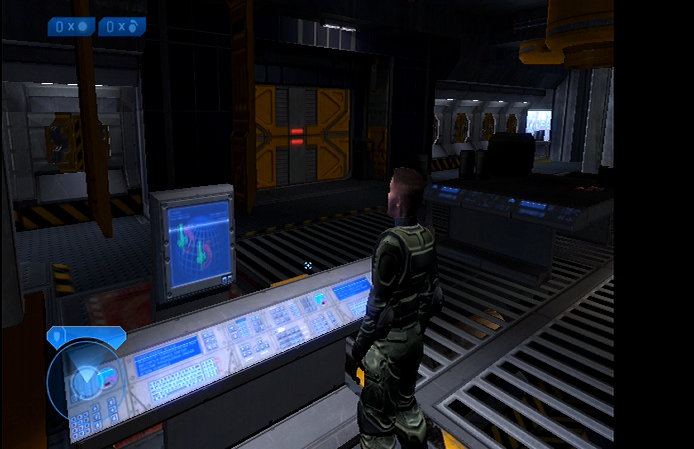
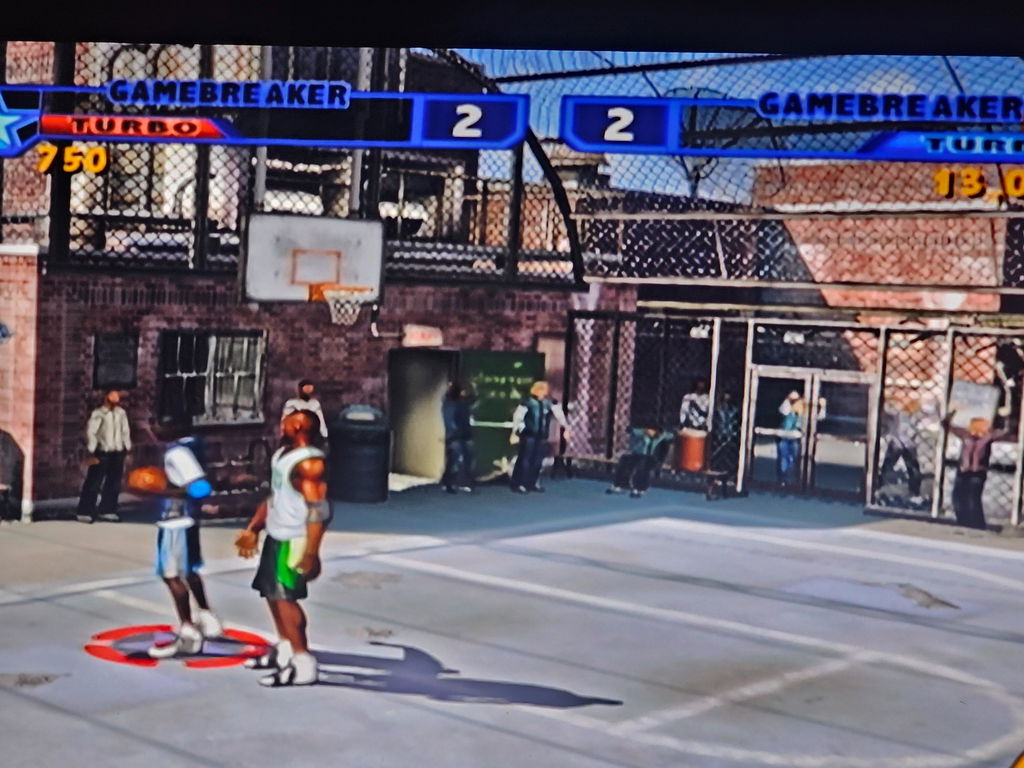
Electron Shepherd ElectronXout

Videos

Electron Shepherd has no affiliation with the following creators. These videos were linked because they showcase the capabilities of this product.

  • 5 stars: 901 (94%)
  • 4 stars: 27 (3%)
  • 3 stars: 8 (1%)
  • 2 stars: 4 (0%)
  • 1 star: 20 (2%)
Some of the reviews shown are from related products the merchant grouped with this one.
D
David
A must buy for Xbox fans

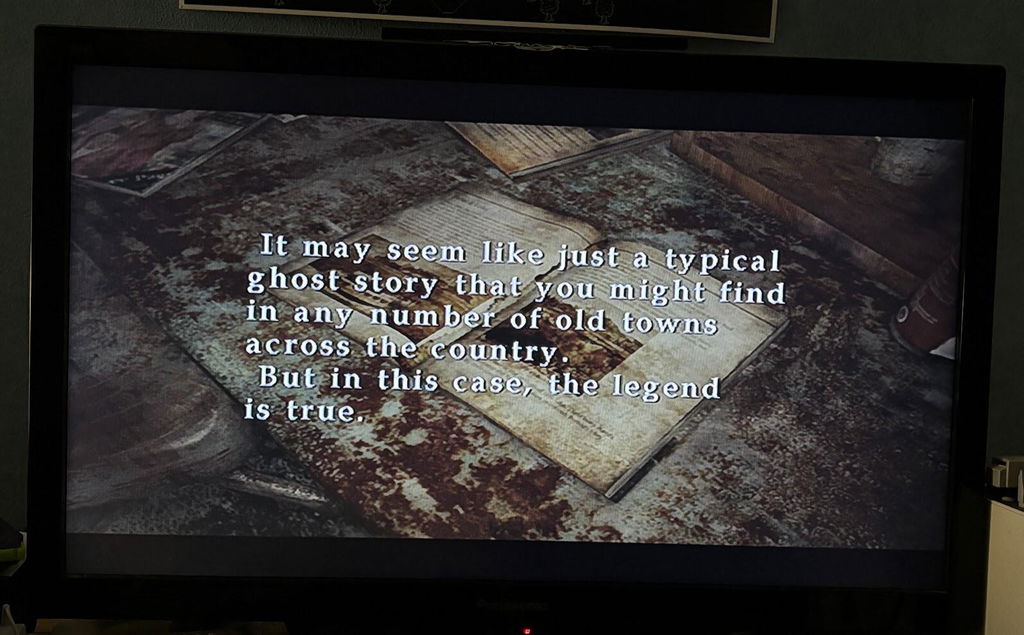
Incredible. Made my copy of the original 2001 Silent hill 2 look like an HD version of the same game. I would buy this 10 times over.
L
Luke U.
Thought it was fantastic - Luke Unfiltered

Thought it was fantastic, quick postage and included in my Latest video!
Would love to do a follow up if you get in touch!

https://youtu.be/j0sRZR1bwjA?si=fnOpOITYzI952Xuv

C
Cody B.
Haven't been able to play my original Xbox for a few years now

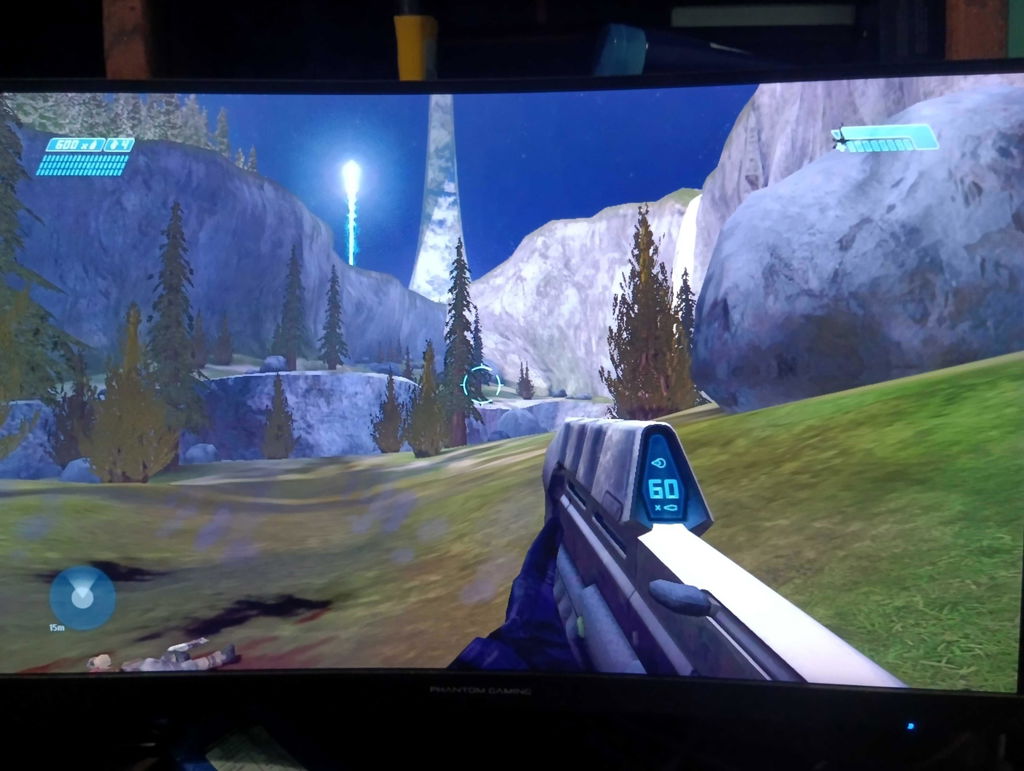
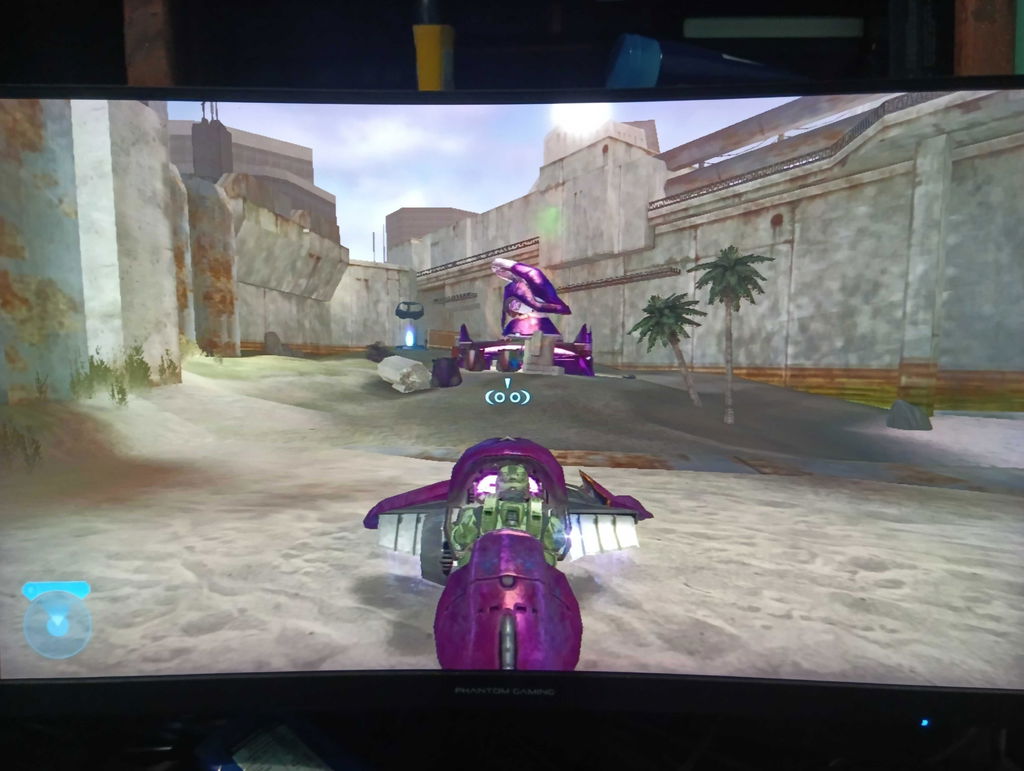
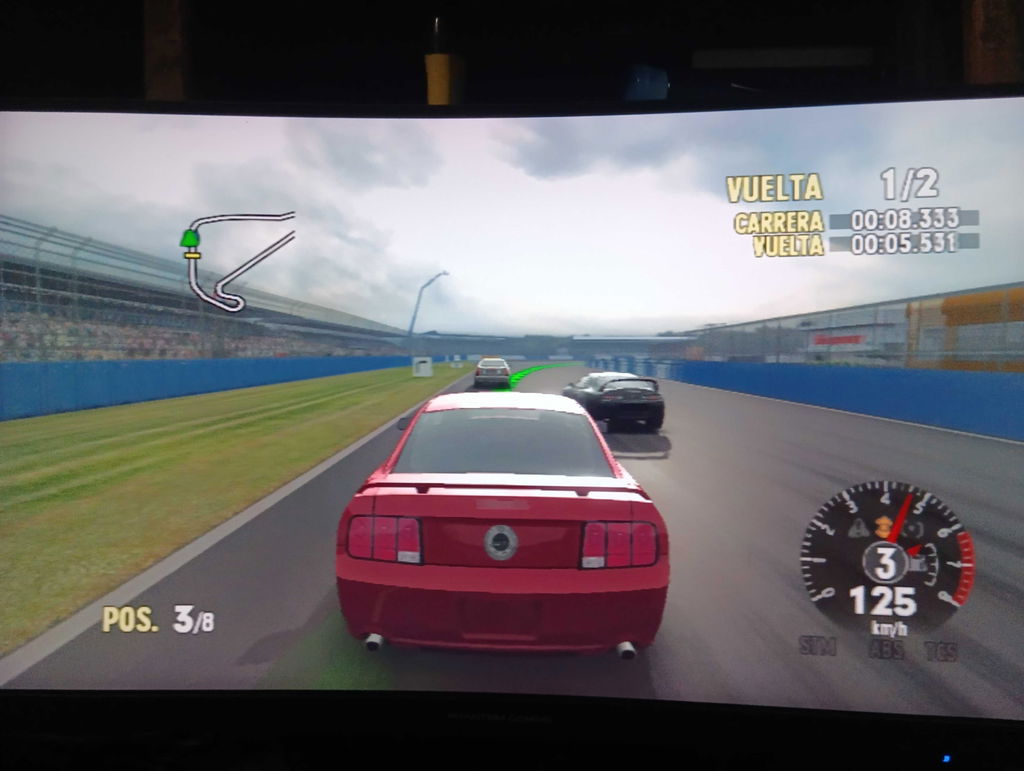
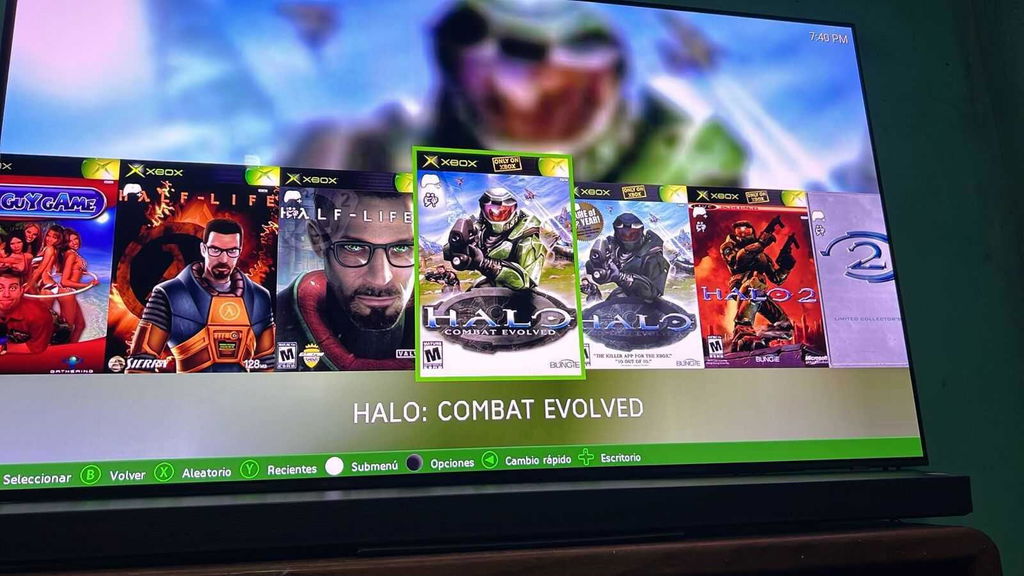
Haven't been able to play my original Xbox for a few years now, so I needed an adapter for my TV that only has HDMI ports. After some research I saw everyone saying the same thing, "Get the Electron Xout, there's no other option" and I would absolutely say the same now. It does a fantastic job at making the games look exactly how they did back in the day, if a bit better. With how many games aren't backwards compatible on either the 360 or Xbox Series consoles, this adapter has basically given me access to hundreds of games I couldn't have played before and plenty of classics that I have. For about $50 I'd say that its worth every penny. Please note that the picture I took was via my phone, so its not a 1:1 comparison to how it looks in person, but I can definitely say it looks amazing

T
Tanner D.
This thing is killer!

Just got it today and love it! I had one from Amazon big long cord with it plus the OG Xbox cord..annoyed me lol and had to plug it in to the wall for power. And this one looks so much better to. Thank you guys for an awesome product. And it also shipped across the country to me super fast. Couldn’t be happier.

B
Brandon W.
This adapter works perfectly with my original Xbox

This adapter works perfectly with my original Xbox. I had concerns about quality but they were completely unfounded. This is by far the simplest and best way to get HDMI output from the old school Xbox these days.

R
Ramazan K.
I got the og xbox and the ps2 adapter

I got the og xbox and the ps2 adapter, I swear at least on my oled 42in c5 it looks damn amazing really up there with retrotink and eon easily at a fraction of the price

j
joe s.
Best adapter on the market

Makes my og xbox games look extremely sharp. I want to buy one for my ps2

A
Avery S.
Fantastic quality hardware

Fantastic quality hardware, handles my (aging) Xbox output beautifully!

R
Ray H.
Money Well spent

My little brother referred me to this product a few weeks and it has not disappointed me. It’s not large or bulky, it’s easy to connect and allows for a surprisingly clear picture. Money well spent!

a
aleckermit a.
Look at it! I SAID LOOK AT IT!

look at it

a
aleckermit
Better Than Expected!

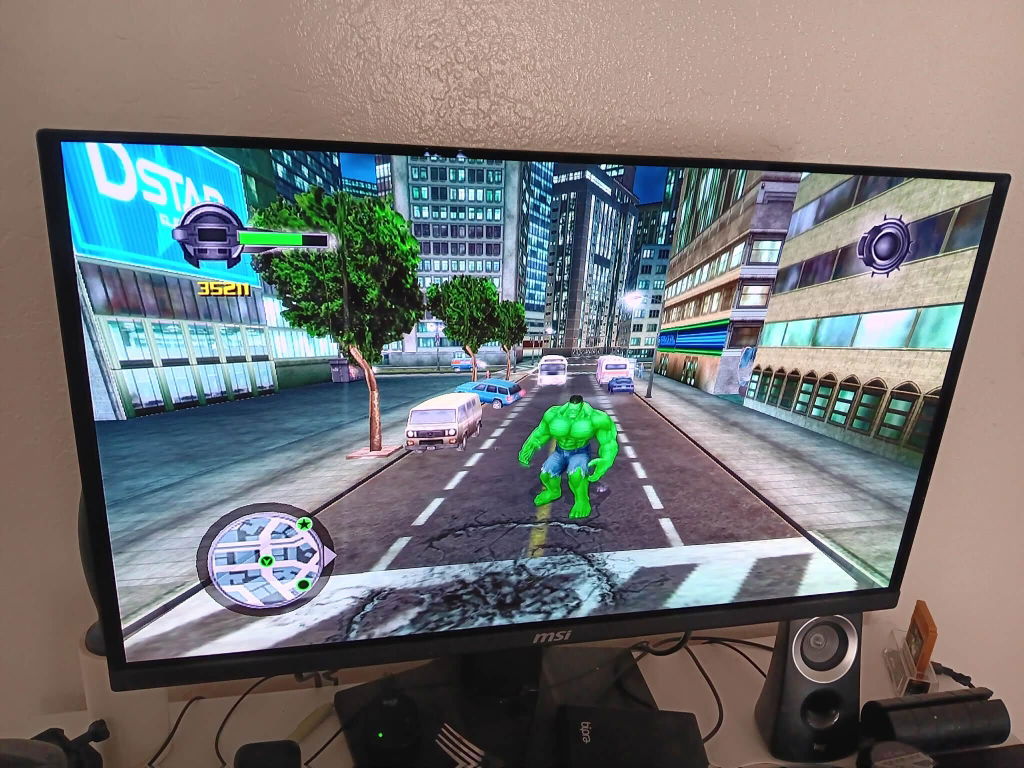
I had been using a nice quality component cable on a Sony CRT for my Xbox but noticed that the contrast was dark (this is a universal issue across all Xboxes using component), darker than composite and requiring me to push my TV brightness up to the max vs my other consoles. I heard the X-Out fixed this issue and I also wanted to have access to 720p capability, so I got it and WOW I am impressed! Contrast issue? Fixed. 480p looks great? Yep. 720p looks fantastic? Yep. Huge upgrade and I will not be going back to CRT for the Xbox. I did have to use NKPatcher app via my softmodded Xbox to force progressive scan for some games like 007 Agent Under Fire, otherwise there is a massive interlaced jitter so make sure to do that. Images below are on a 27" OLED and I couldn't be happier with the clarity. Maybe an HDMI mod would be even better but this is more than good enough for me who is a definitely a bit of a videophile.

M
Mic
Wow

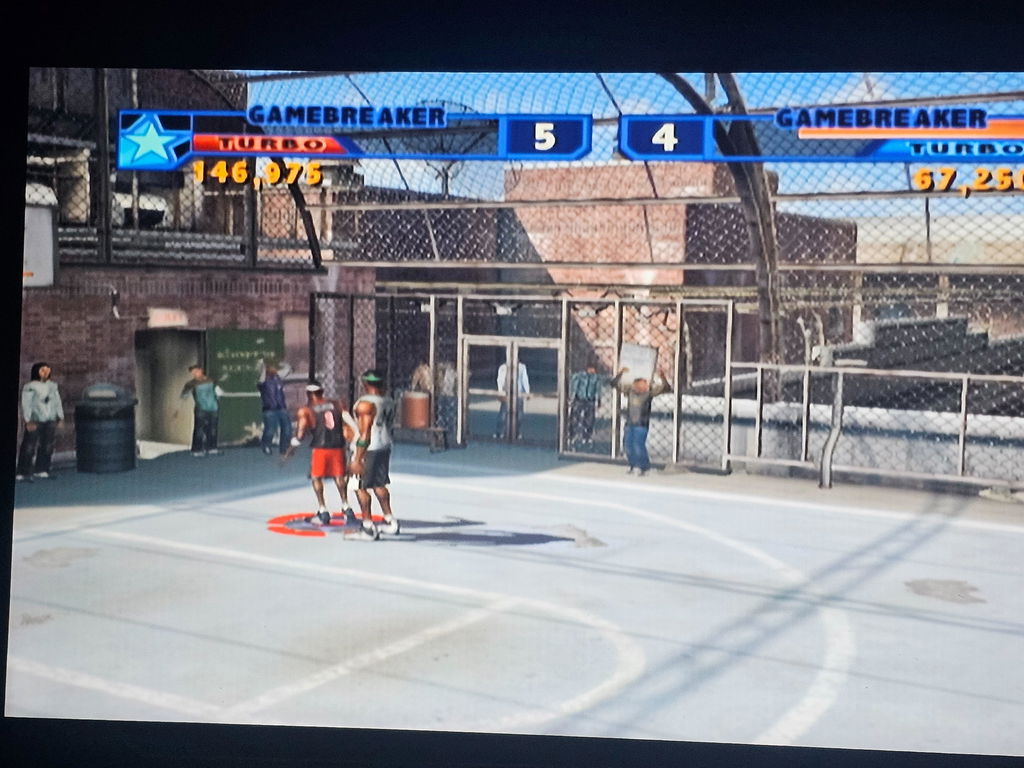
Definitely 5 stars. Huge difference. I got the HDMI FOR THE OG Xbox.
T
Tauhous
Excellent Product - 5★

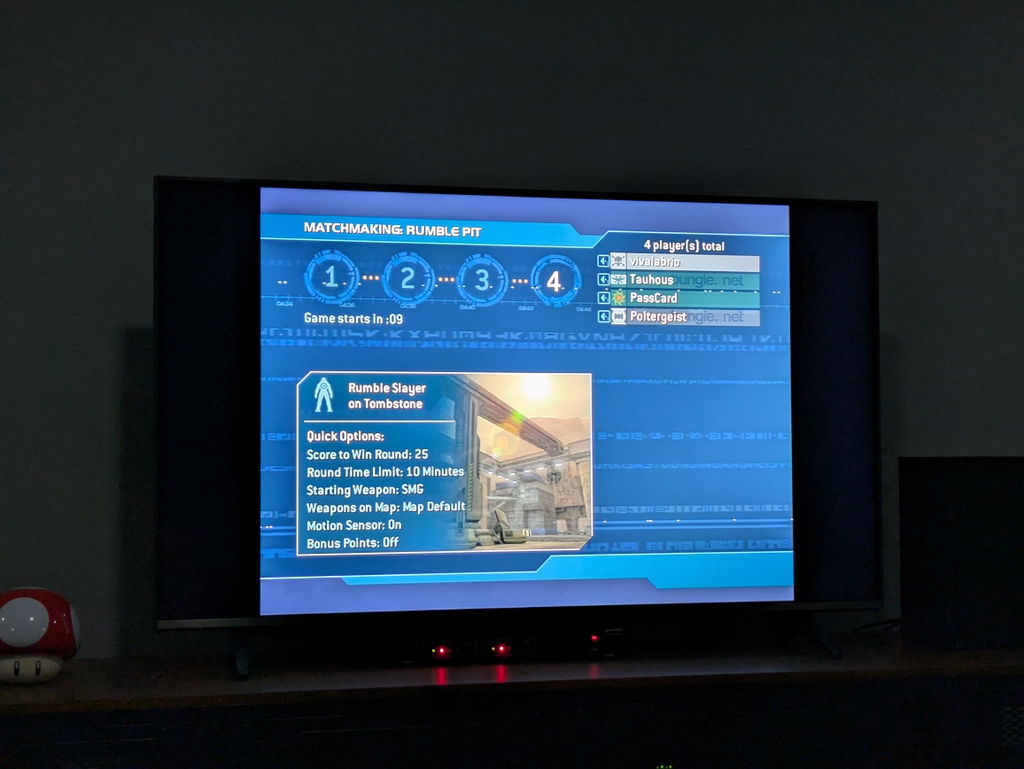
Excellent product. Crisp image directly from the system.Well worth the asking price and then some. Order was fulfilled very quickly.
N
Neptune D.O.
Probably the best HDMI Converter on the market!

Works great and enabled the settings I was looking for. Great alternative option if you don't want to pay a lot for the original Component Cables.
B
Brian P.
Flawless

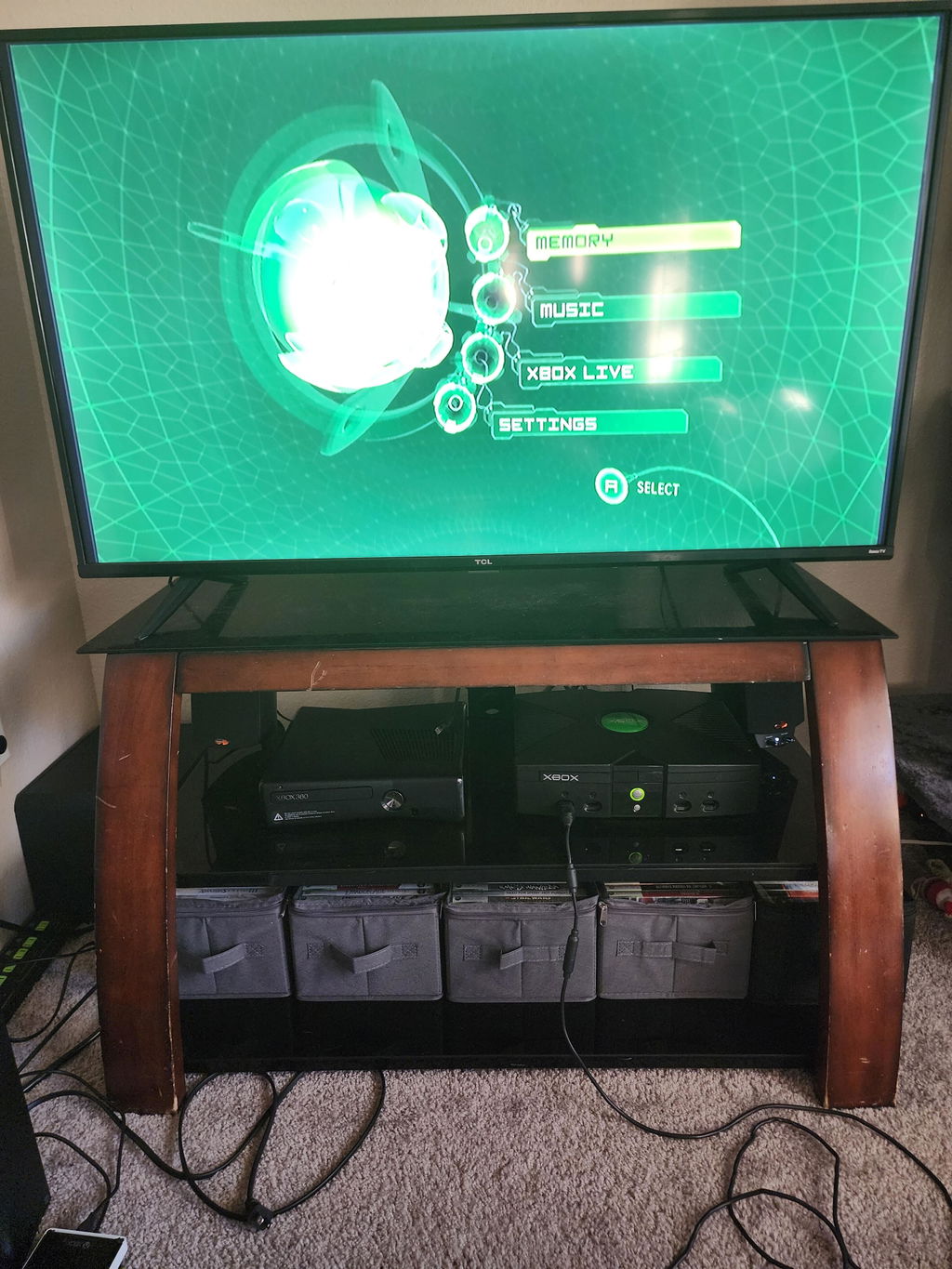
Works great, so happy I found it. Now I just need to replace my old Xbox controllers
P
Peter P.
I should’ve bought this in the first place

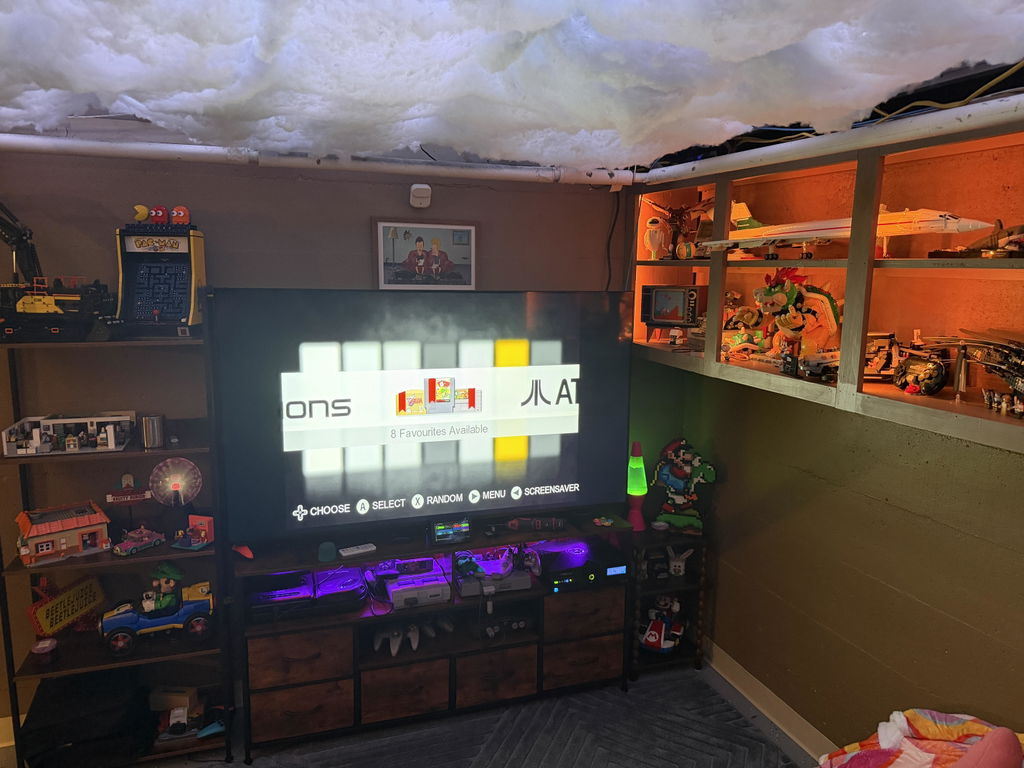
I originally went with two different versions of the cheap ones on Amazon constantly getting flickering issues or screen return black for a second ruining my halo games so ponied up got the OG. It’s been fine ever since.
J
Javier G.
Best quality HDMI adapter

Before buying this adapter, I considered the native HDMI mod, but I ruled it out because I still wanted to connect my Xbox to a CRT someday.

I also had the generic adapter from Amazon, and although it worked, the main problem is the one everyone mentions: the black levels, plus a lot of noise at 480p.

With this adapter, there are no issues at all; it’s very small and fits securely into the Xbox’s video port. I’ve tested it on a 1440p monitor—it looks perfect at all resolutions—and also on my 4K OLED TV, where 720p looks spectacular, though I had to use an Mclassic to upscale the image since my TV doesn’t handle 480p signals very well.

Overall, it’s excellent for the price, and there really isn’t a plug-and-play HDMI solution that delivers a better picture than this adapter.

The only downside in my experience was the shipping, as it was somewhat slow and expensive to my country