


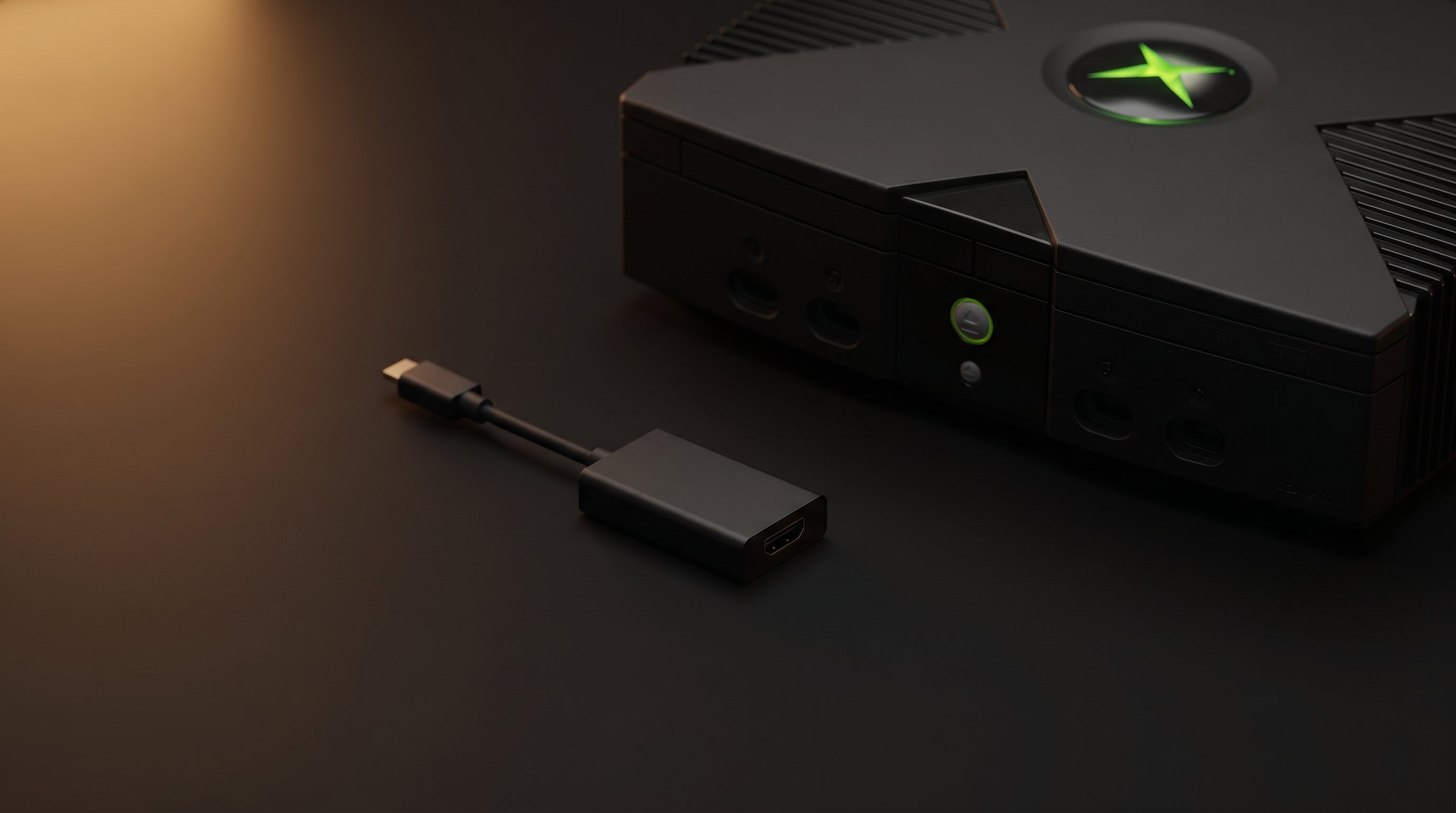
The Original Xbox is one of the most underserved consoles in the retro HDMI adapter market. There are fewer adapter options than for the PS2 or Wii, the console's AV connector is proprietary, and a lot of the advice floating around online treats "any HDMI output" as the goal rather than "a good HDMI output."
The Xbox is capable of better video than most people expect — including 480p, and in some cases 720p and 1080i with the right game and cable combination. Whether your adapter preserves that capability or throws it away determines how good your setup actually looks on a modern TV.
What the Original Xbox Outputs
The Original Xbox uses a proprietary AV connector at the rear of the console. This connector carries several video formats depending on which cable is attached.
Standard AV cable. Outputs composite video (CVBS) and stereo audio. This is the cable that shipped with most retail Xbox units. Composite is 480i only.
Xbox HD AV Pack. Outputs component video (YPbPr) and digital audio. Enables 480p, 720p, and 1080i output — depending on the game and the Xbox dashboard settings. Sold separately from the console.
Most Xbox HDMI adapters on the market tap the composite signal from the AV connector. A quality adapter taps the component signal path instead, unlocking the resolutions the Xbox was actually designed to output when Microsoft shipped the HD AV Pack in 2001.
For background on composite versus component and why the difference matters, see our guide to retro video signal formats.
Why Most Adapters Leave Performance on the Table
The composite path is cheap to work with. A simple chip converts the single blended CVBS signal to HDMI, the adapter sells for ten dollars, and most buyers don't know what they missed.
The problem is that composite video caps out at 480i interlaced. That is the signal quality ceiling, regardless of what the Xbox is trying to output. If the console is configured for 480p and the adapter only reads the composite pins, the adapter will output the composite 480i signal and ignore the rest. You lose the resolution the console is capable of delivering.
On a modern 4K TV that upscales everything, the difference between a 480i composite source and a 480p or 720p component source is visible. The 4K panel is magnifying whatever it receives — cleaner source material means a cleaner final image.
The Adapters, Compared
| Adapter | Signal Path | Max Resolution | Audio | Price |
|---|---|---|---|---|
| ElectronXout | Component (YPbPr) | 1080i | Surround Sound | $41.99 |
| Pound HD Link | Component (YPbPr) | 1080i | HDMI stereo | ~$35 |
| Generic (Amazon) | Composite (CVBS) | 480i | HDMI stereo | $10–18 |
The component-based adapters — the ElectronXout and the Pound HD Link — both access the full resolution capability of the Xbox's AV connector. Generic composite adapters cap at 480i regardless of your Xbox settings.
Between the two component adapters: the ElectronXout is the only one designed and manufactured specifically for the Xbox with long-term signal integrity in mind. It has been our best-reviewed product since launch in 2021. The Pound HD Link is a solid second option if the ElectronXout is out of stock.
Generic composite adapters are fine if your only goal is getting any picture on a modern TV from a console you otherwise couldn't connect. If picture quality matters, they are not the right tool.
Surround Sound: The Audio Difference Most People Miss
Video gets most of the attention in HDMI adapter comparisons, but there is a meaningful audio difference that the comparison table above captures in one word: the Original Xbox supports Dolby Digital 5.1 surround sound, and most adapters do not deliver it.
The Xbox AV connector carries a digital audio signal via SPDIF (Sony/Philips Digital Interface Format) — a separate channel from the analog stereo audio. This is the signal that carries Dolby Digital 5.1 when a game supports it. The Original Xbox was one of the first consoles to include this capability, and Microsoft leaned into it — titles like Halo: Combat Evolved, Halo 2, Splinter Cell, Ninja Gaiden, and many others encode a full 5.1 surround track over SPDIF.
SPDIF. Sony/Philips Digital Interface Format. A digital audio connection that carries formats including Dolby Digital 5.1 (AC3) and DTS. Available on the Original Xbox AV connector alongside the video signal.
Dolby Digital 5.1. Six-channel surround sound: front left, front center, front right, rear left, rear right, and a low-frequency effects channel. Requires a compatible receiver or TV with Dolby Digital decoding.
Most Xbox HDMI adapters — including component-capable ones — only read the analog stereo audio pins on the AV connector. You get stereo output over HDMI regardless of what the game is encoding. The SPDIF channel is ignored entirely.
The ElectronXout taps the SPDIF signal from the Xbox AV connector and delivers the Dolby Digital audio track alongside the video output. For games that support Dolby Digital, this is the difference between two-channel stereo and a full 5.1 mix — a meaningful upgrade if your setup includes a surround receiver or a TV with Dolby Digital decoding.
Enabling HD Output on Your Xbox
Switching to a component-based adapter is only half the equation. You also need to configure the Xbox to output at higher resolutions.
-
1
Connect the ElectronXout to the Xbox AV port and the HDMI output to your TV.
-
2
Go to Settings in the Xbox dashboard and open Video.
-
3
Enable HDTV settings. Check 480p, 720p, and 1080i. The Xbox will use the highest resolution a game supports.
-
4
Launch a game and confirm the resolution in that game's video settings if available. Many Xbox games display their active resolution in the options menu.
Note: not all games support 720p or 1080i. 480p is supported by the majority of the Xbox library.
What to Expect After the Switch
On a component-based adapter with HD output enabled, the Original Xbox looks significantly better on a modern TV than it does through a composite cable or composite-based adapter. Games that support 480p have noticeably sharper geometry and cleaner edges. Games with 720p support look genuinely good on a 4K panel — the Xbox's GPU was capable at the time, and higher resolution output rewards it.
Games that only support 480i will still output 480i — the adapter cannot change what the game sends. But even 480i looks better on a component signal path than on composite, because the color information is handled correctly through the conversion.
For more on connecting the Original Xbox to modern displays, see our Original Xbox modern TV setup guide.
Frequently Asked Questions
Does the Original Xbox support HDMI? No. The Original Xbox uses a proprietary AV connector that carries composite and component video signals. An HDMI adapter is required to connect it to a modern TV. Adapters that tap the component signal (like the ElectronXout) unlock 480p, 720p, and 1080i output. Adapters that only use composite are capped at 480i.
What is the best Original Xbox HDMI adapter? The ElectronXout by Electron Shepherd. It taps the component signal path on the Xbox AV connector, enabling 480p, 720p, and 1080i output where the game supports it. It is also the only adapter that taps the SPDIF signal for Dolby Digital 5.1 audio passthrough. The Pound HD Link is a solid alternative if the ElectronXout is unavailable.
Why does my Original Xbox look bad on a modern TV? Almost always because the setup is using a composite cable or a composite-based HDMI adapter. Composite caps at 480i interlaced regardless of what the Xbox is trying to output. A component-based adapter like the ElectronXout unlocks the console's actual resolution capability — 480p for most games, 720p for many first-party titles.
Does the Original Xbox support Dolby Digital 5.1 surround sound? Yes. The Xbox AV connector carries a SPDIF digital audio signal alongside the video. Games like Halo: Combat Evolved, Halo 2, Splinter Cell, and Ninja Gaiden encode Dolby Digital 5.1 over this channel. Most HDMI adapters ignore the SPDIF signal and only carry stereo audio. The ElectronXout taps the SPDIF signal and delivers the full Dolby Digital track over HDMI.
The ElectronXout uses the Xbox's component signal path, enabling 480p, 720p, and 1080i output where the game supports it — no composite compromise.
Get the ElectronXout — $41.99 Original Xbox HDMI Adapter Guide
Share:
GameCube DOL-001 vs DOL-101: Which Revision to Buy and Why It Matters
Can You Use a PS3 Component Cable on a PS2?