


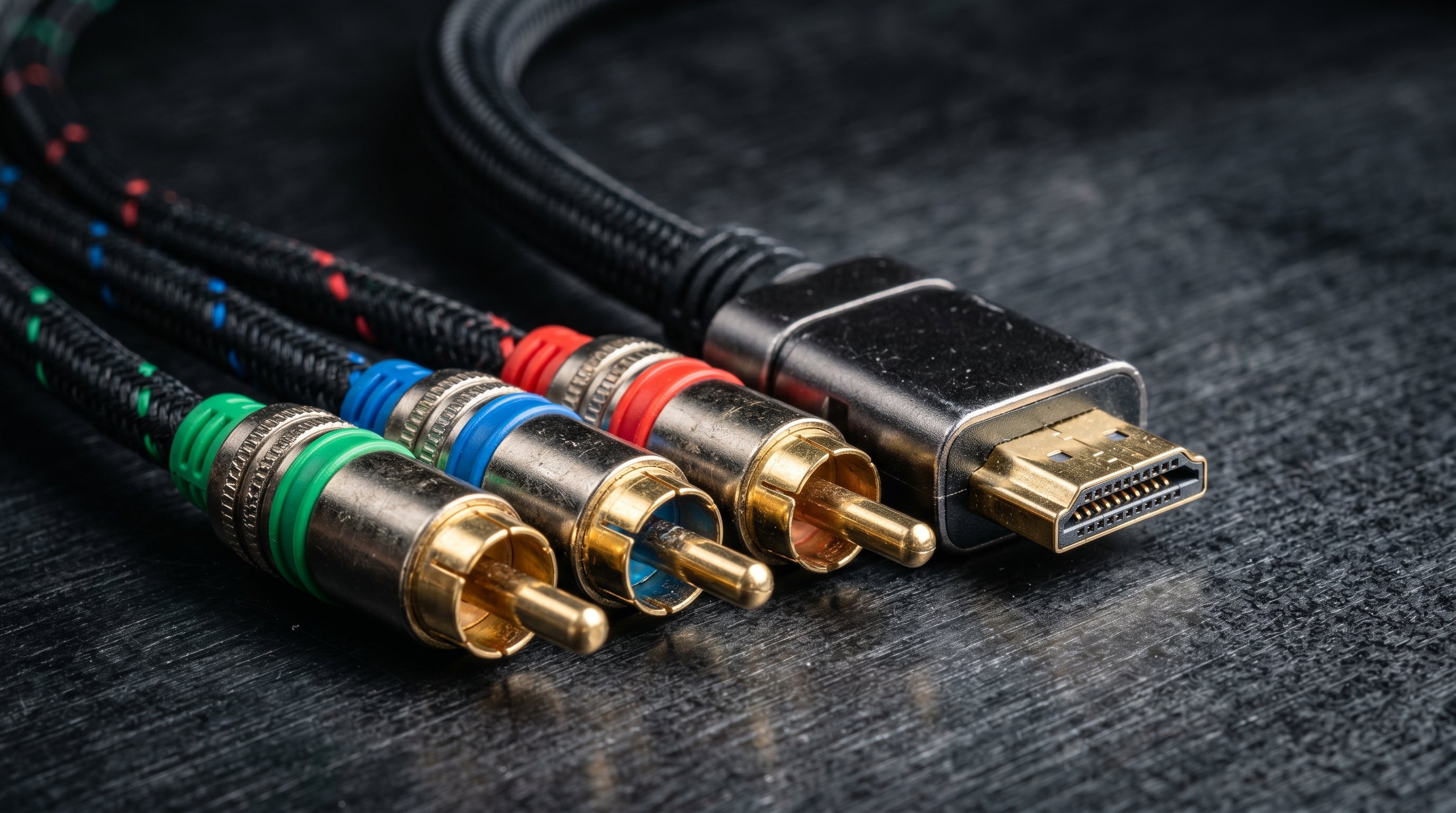
The phrase "analog to HDMI" covers an enormous range of products, signal paths, and quality outcomes. At one end is a six-dollar composite dongle that technically produces an HDMI signal. At the other is a properly designed converter that preserves the source signal's resolution, color accuracy, and timing with almost no added latency.
For retro gaming, this distinction matters. A modern TV cannot recover information lost in a poor conversion. The signal quality ceiling is set by the converter, not the TV.
The Input Signal Is What Matters Most
Every retro console outputs one of a small set of analog signal types. These are not equivalent. The signal format determines how much information reaches the converter in the first place — and how much the converter has to work with when producing the HDMI output.
Composite (CVBS). The lowest-quality common format. All luminance and chrominance information is blended into a single signal. Produces visible color smearing at high-contrast edges. No converter, regardless of how well it is built, can recover what composite discards.
S-Video. Separates the luminance (Y) and chrominance (C) channels into two signals, eliminating the chroma-luma bleed composite produces. A meaningful step up. Supported by many consoles including the N64, PS1, SNES, and early PS2 models.
Component video (YPbPr). Three channels: one for luminance, two for color difference. Carries more color information than S-Video with no bleed. The best analog output most sixth-generation consoles support, including the PS2, Wii, Xbox, and GameCube.
VGA (RGBHS). Five signals: red, green, blue, horizontal sync, vertical sync. Higher bandwidth than component, supports higher resolutions, commonly used by PC hardware, arcade systems, and scan converters like the OSSC.
For a full technical explanation of how these formats differ at the signal level, see our composite, component, and RGB guide.
Why Composite Adapters Fall Short
Most inexpensive analog-to-HDMI adapters accept composite input. They are cheap to manufacture and easy to find. The problem is that they are starting from the weakest signal format retro consoles produce.
Composite video blends color and brightness information into one channel using a subcarrier frequency. The receiving end has to separate them back out — imperfectly. The result is color smearing, dot crawl (the crawling artifact visible along high-contrast color edges), and reduced effective resolution. These are properties of the composite format, not of any specific adapter.
Sending a composite signal to a modern 4K TV via HDMI does not fix any of that. The TV upscales what it receives, and what it receives is already degraded. You get composite-quality picture on a 4K panel — worse, in some cases, than the same console would have looked on an old CRT.
Latency: The Other Critical Spec
Beyond signal quality, the other key consideration for retro gaming is processing latency — the delay between when the console outputs a frame and when that frame appears on screen.
Many inexpensive converters use an internal framebuffer. The chip captures a full analog frame, holds it in memory, then outputs it digitally. This process adds latency. Depending on the chip and the output resolution, the added delay ranges from roughly 30ms to over 100ms. For timing-sensitive games — fighting games, rhythm games, platformers with tight mechanics — this is noticeable and affects gameplay.
Well-designed converters process the signal at the scan line level in real time, keeping latency under 1ms. The retro gaming input lag guide covers this in more detail if you want to understand what to look for in adapter specs.
What to Look For in a Component or VGA Converter
For most retro consoles, component video (YPbPr) is the best analog output available. A good converter should accept YPbPr and convert it with minimal latency and accurate color handling.
Input type. Confirm the converter accepts YPbPr specifically. Many converters labeled "component" in advertising actually accept composite or S-Video only. Check the physical inputs before purchasing.
Latency spec. Look for converters that specify real-time or line-level conversion. A latency under 1ms is achievable; anything that specifies "framebuffer" or lists no latency spec should be scrutinized.
Resolution handling. Confirm the converter passes 480p without downconverting to 480i. Some budget converters force interlaced output regardless of what the source sends.
Audio path. The converter should pass audio over HDMI. Separate 3.5mm audio output is useful for some setups but not required for most.
The ElectronAnalog
The ElectronAnalog was built specifically for this use case: a compact, properly specced converter for component and VGA inputs with no unnecessary processing in the signal path.
It accepts component (YPbPr) and VGA input with audio, converts to HDMI output, and does so with under 1ms of latency. It handles the full range of resolutions that retro consoles output — from 480i through UXGA — without forcing any conversion or framebuffer buffering. It does not accept composite, which is intentional: it was designed to work with the higher-quality signal paths that actually deliver a good picture from retro hardware.
At $13.99, it sits at a price where it competes with some composite adapters on the market. The meaningful difference is what it actually does with the signal.
Console-by-Console Summary
| Console | Best Analog Output | Notes |
|---|---|---|
| Original Xbox | Component (YPbPr) | Via Xbox HD AV Pack — enables 480p, 720p, 1080i |
| PlayStation 2 | Component (YPbPr) | Set console output to YCbCr, not RGB |
| Nintendo Wii | Component (YPbPr) | Via Wii component cable — enables 480p |
| GameCube | Component (YPbPr) | Via Nintendo DOL-010 or third-party cable |
| Nintendo 64 | S-Video | No native component output on stock hardware |
| SNES | S-Video | RGB also available for PAL and modded NTSC units |
The ElectronAnalog accepts component and VGA input and converts to HDMI with under 1ms of latency. No framebuffer, no unnecessary processing.
Get the ElectronAnalog — $13.99 Composite vs. Component vs. RGB: The Full Guide
Share:
Wii HDMI Audio Crackling: Why Generic Adapters Distort and What to Fix It
Nintendo Wii HDMI Mod Guide