

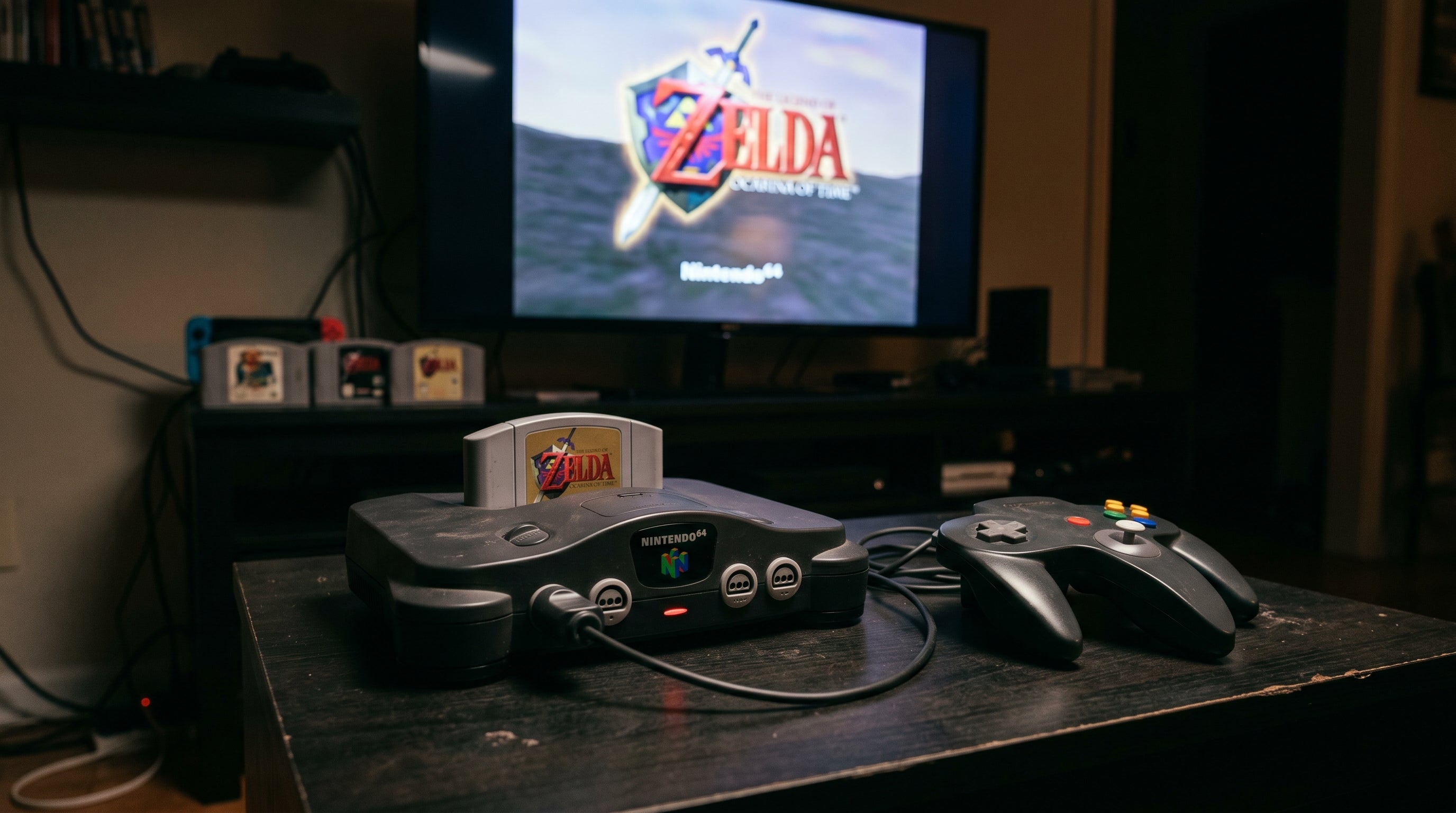
Nintendo 64 on a Modern TV: HDMI Guide
Compare N64 composite, supported S-Video and internal upgrade paths, including 240p handling and the processor inputs each setup needs.
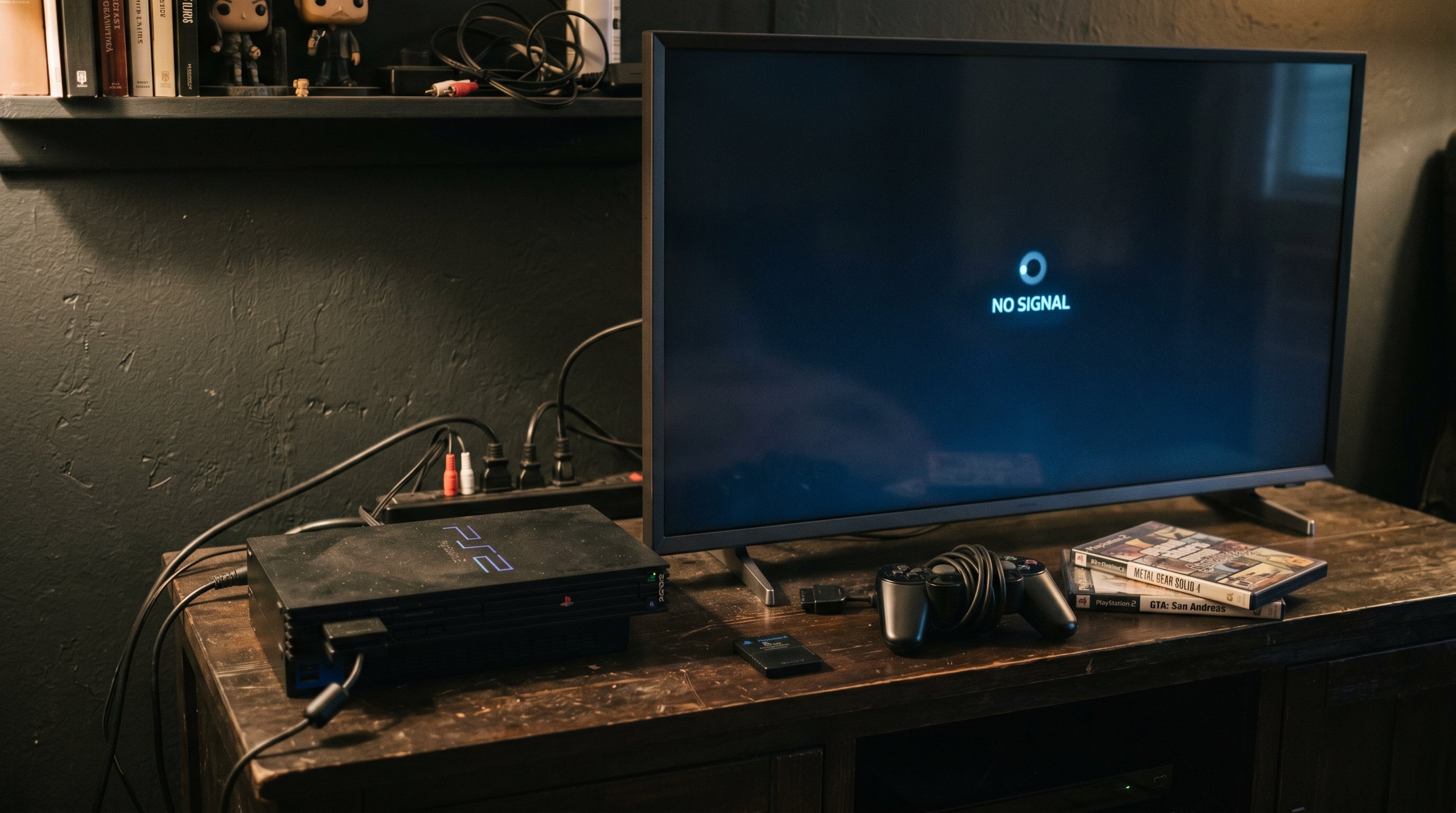
PS2 No Signal on Modern TV: Fix Guide
Check PS2 output settings, adapter power, cables and supported display timings to isolate a no-signal or black-screen problem.

Compare external Wii HDMI conversion with the ElectronAVE internal digital route, including soldering, console revision and control requirements.
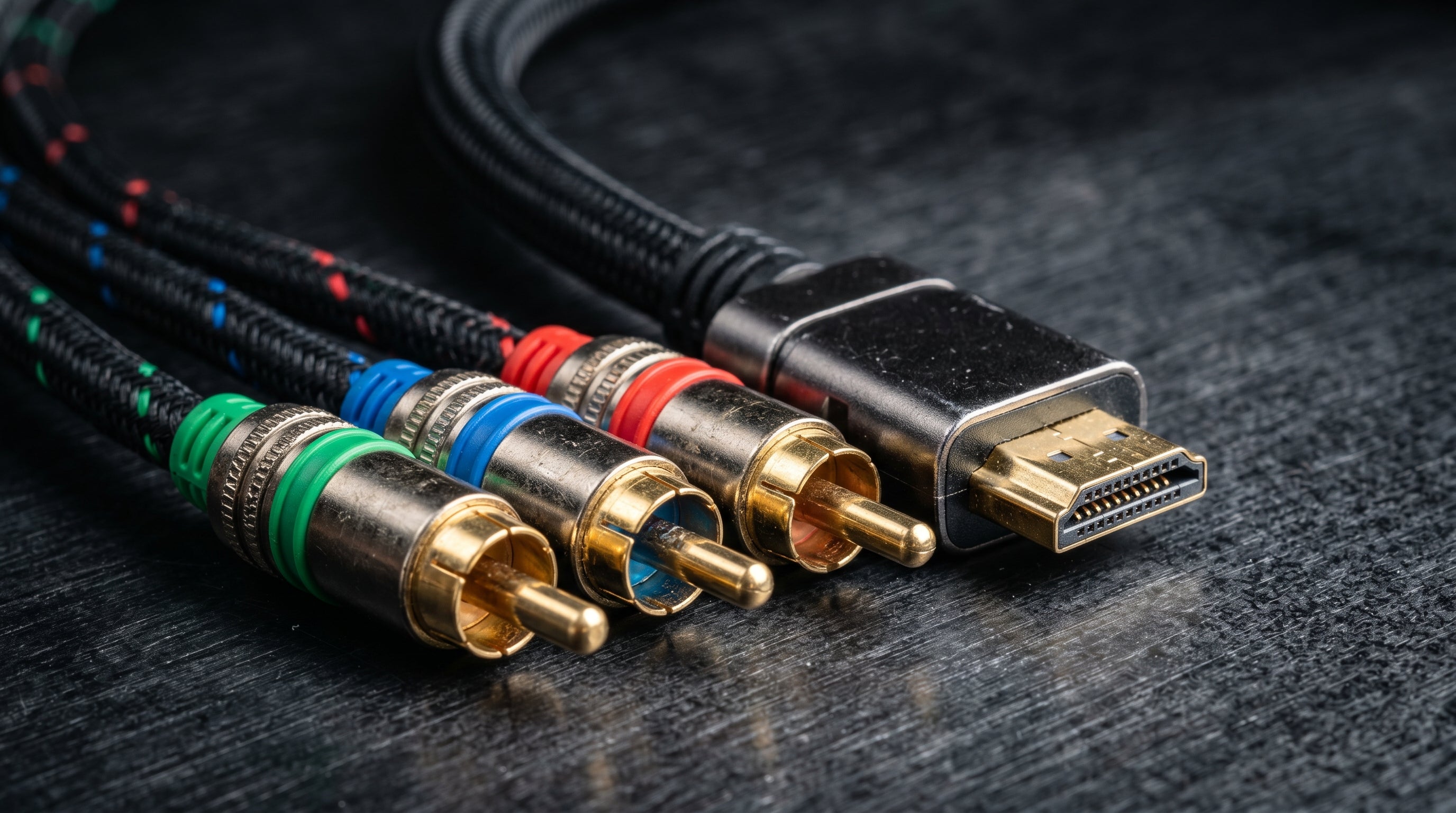
Analog to HDMI for Retro Consoles: What to Buy and What to Avoid
Match video format, scan timing, audio, power, and physical integration before choosing an analog-to-HDMI converter.
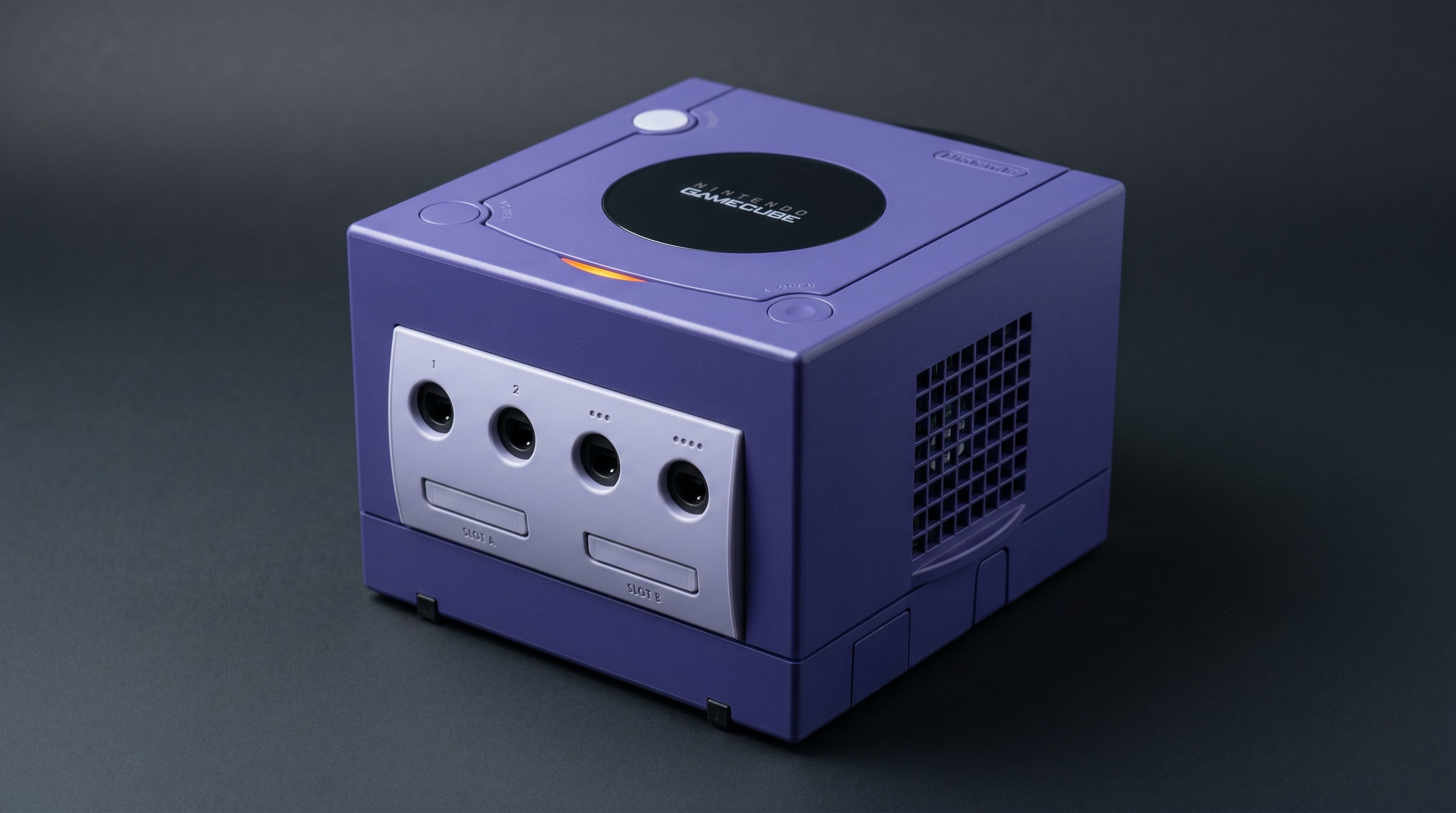
How to Connect a GameCube to a Modern TV
Identify DOL-001 or DOL-101, choose the correct rear AV port, and compare digital HDMI, component and regional analog connection paths.
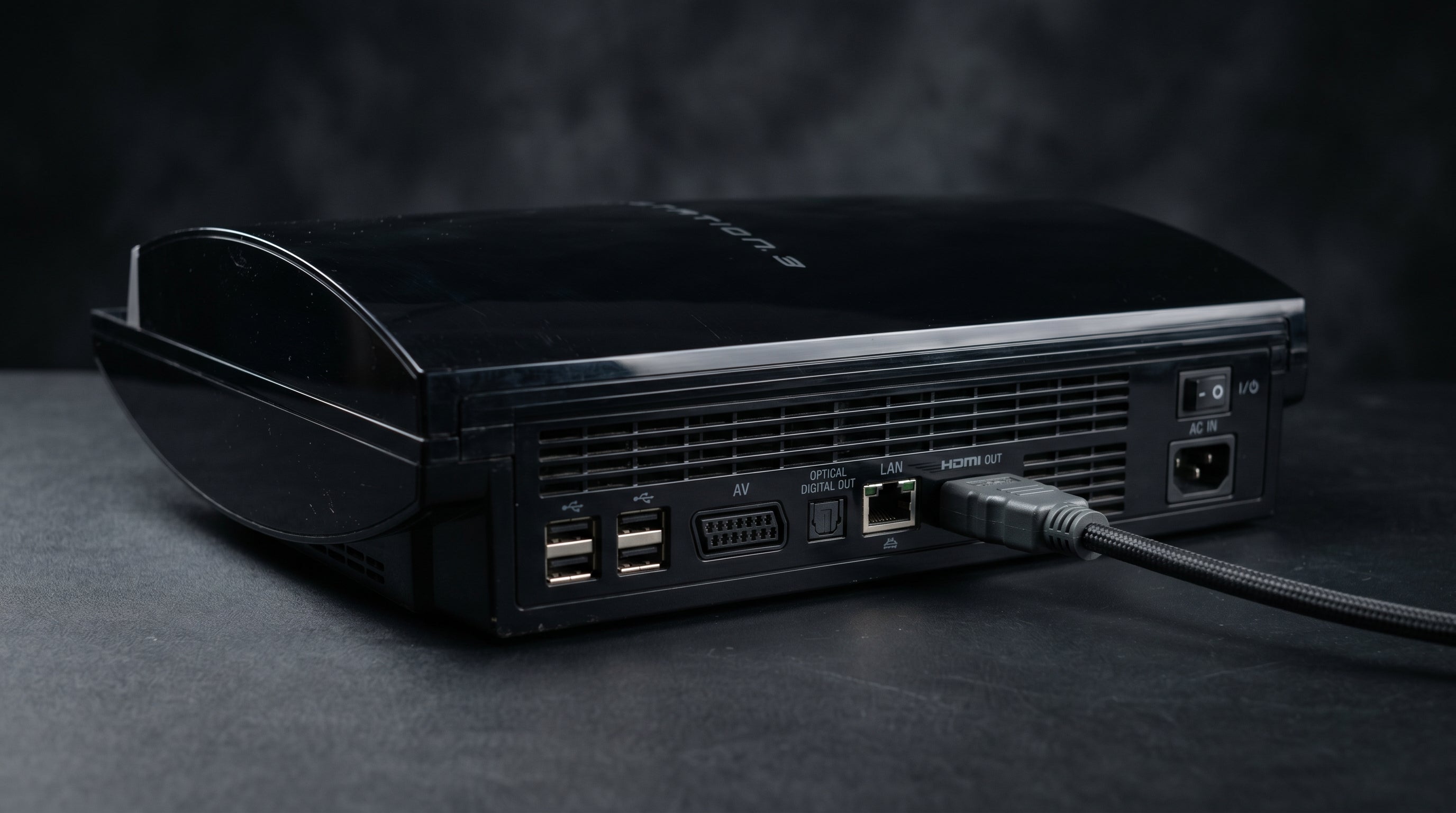
PS3 HDMI Setup and PS1/PS2 Disc Compatibility Explained
Every PS3 has HDMI. Check the exact model for PS2 disc compatibility, configure video output, and choose a suitable route for older games.
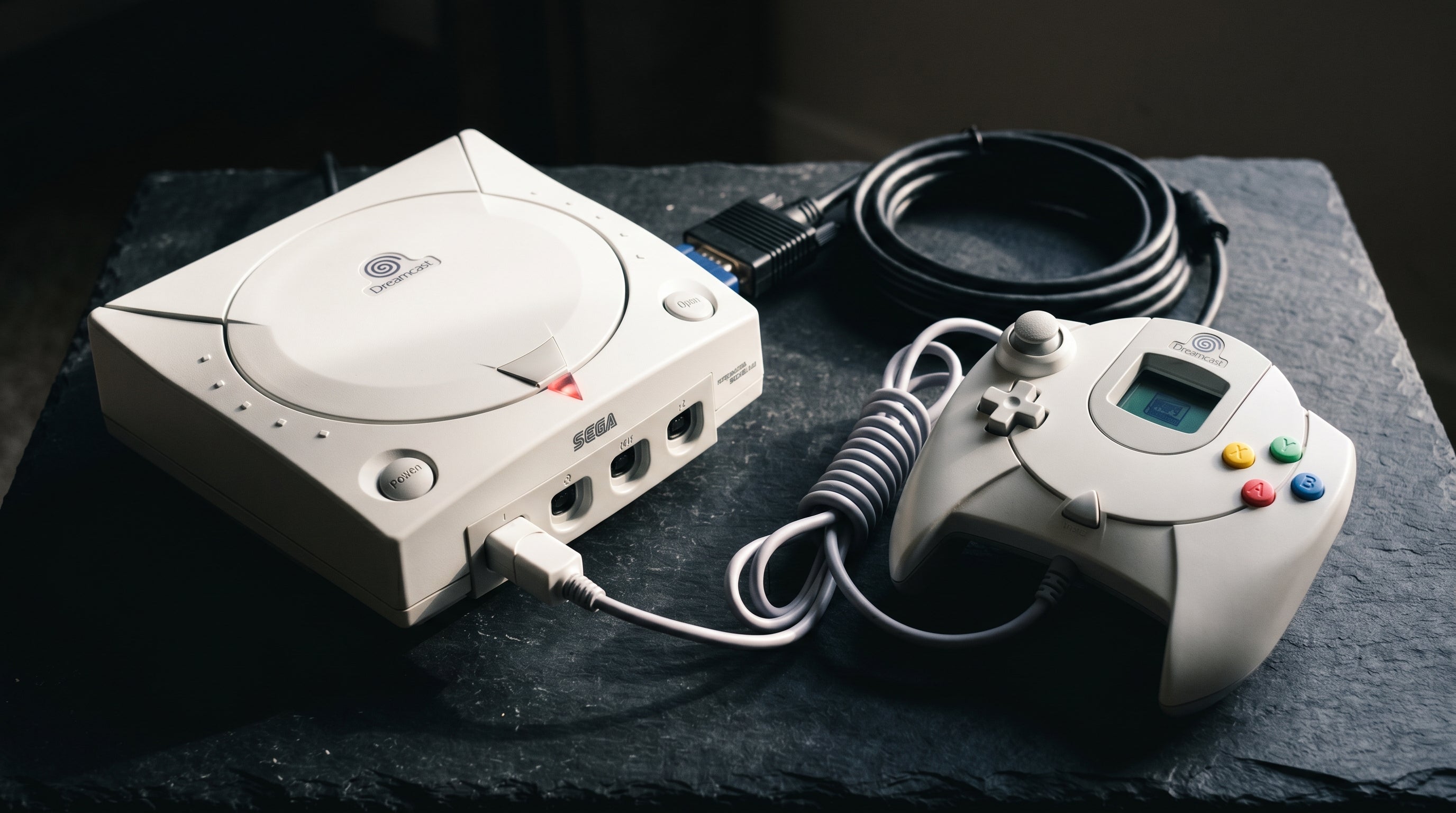
Dreamcast HDMI: How to Connect a Sega Dreamcast to a Modern TV
Use a compatible Dreamcast VGA cable or box, then match its video and audio outputs to a documented HDMI conversion path.
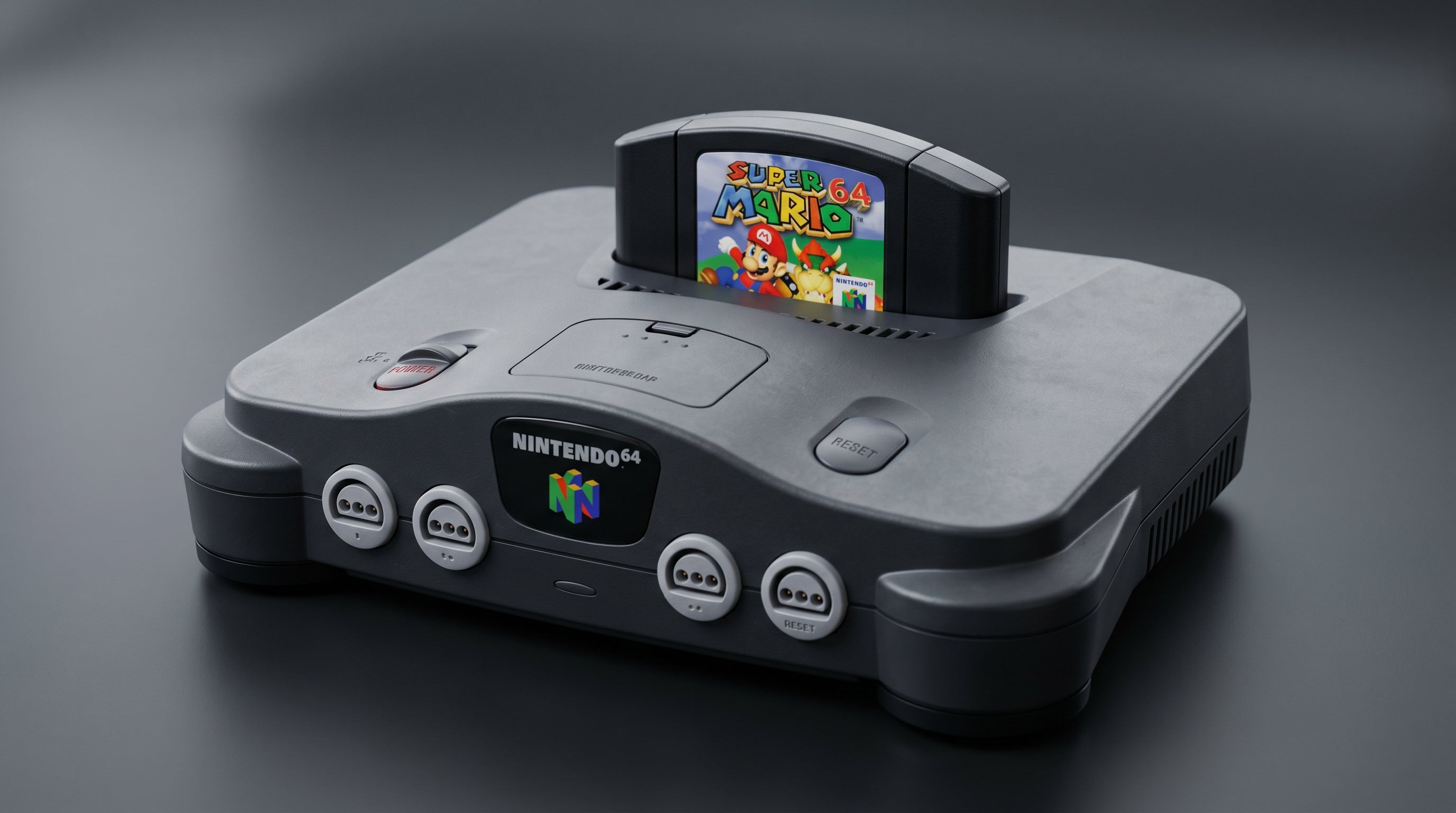
N64 Video Upgrade Guide: From S-Video to N64Digital
Compare N64 stock analog output, RGB modifications and internal digital HDMI, with model-specific installation and display requirements.
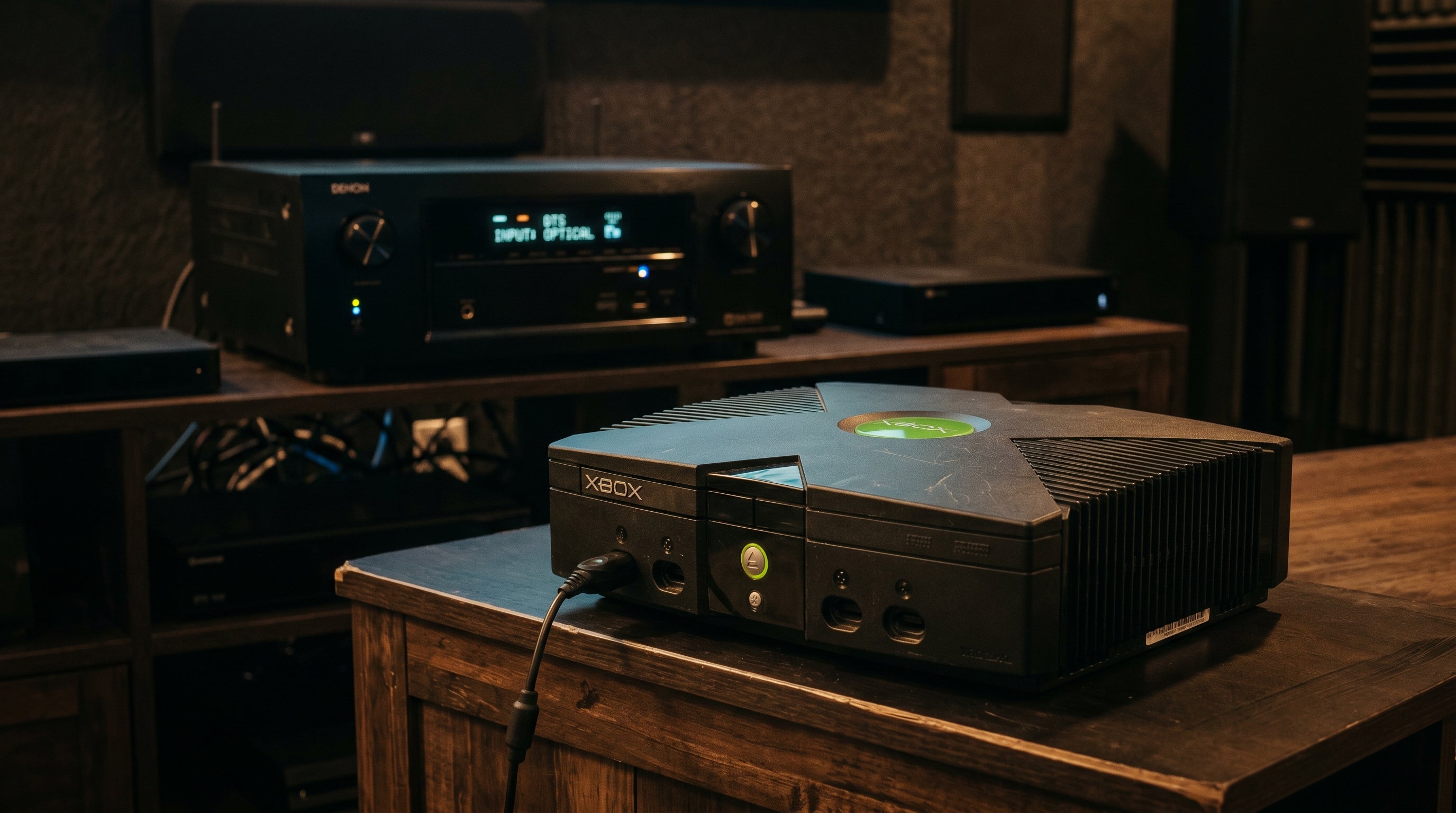
Original Xbox Dolby Digital 5.1: How to Get Surround Sound From Your Xbox
Use the ElectronXout manual's default TV audio settings, then enable Dolby Digital or DTS only for a receiver chain that can decode it.