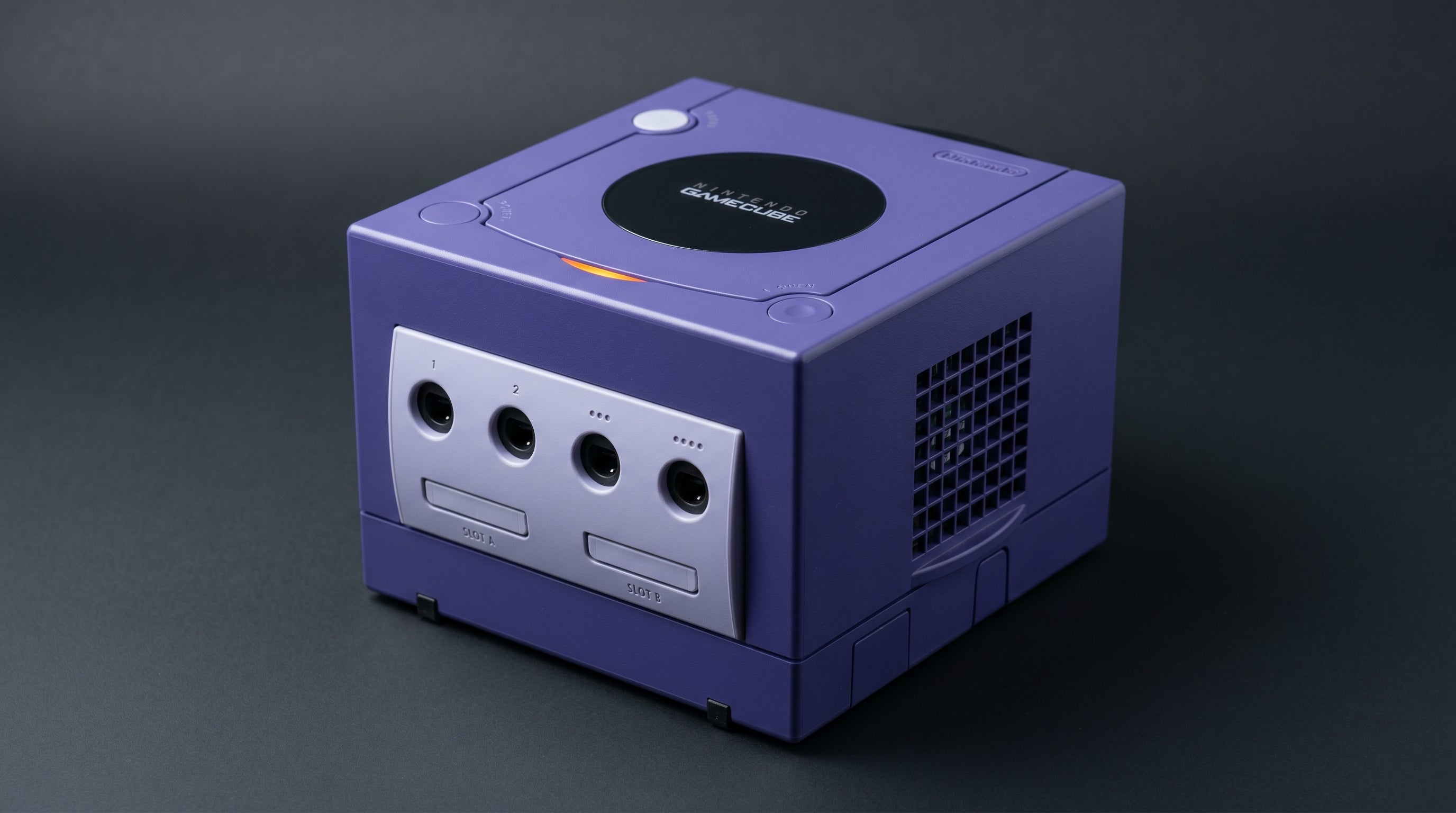
The GameCube has no native HDMI output, but its video output situation is more nuanced than most retro consoles. There are actually two separate AV ports on the hardware — and which revision you own determines which ports you have and what quality output you can get. Understanding this distinction is the starting point for any GameCube video setup.
This guide explains what each port outputs, which revision has which port, and what the realistic options look like for each situation.
The Two AV Ports
The GameCube has two distinct AV output ports, though many consoles only have one of them.
Analog AV Multi Out. The 12-pin card-edge connector on the back of the console — the same physical connector used by the SNES, N64, and Wii. Present on every GameCube. Carries composite, S-Video (NTSC models only), and stereo audio. NTSC GameCubes do not output RGB through this connector — that signal is present only on PAL models.
Digital AV Out. A separate port on the underside of the console (under a flap), present only on DOL-001 revision GameCubes. Carries the GameCube's internal digital video signal. This is the port used by official component cables and GCVideo-compatible adapters. Nintendo removed this port on the DOL-101 revision, presumably to cut manufacturing costs.
The practical consequence of this split: if you own a DOL-101 GameCube, your only output is the Analog AV Multi Out — composite and S-Video. If you own a DOL-001, you have both ports, and the Digital AV Out opens up significantly better options.
To identify which revision you have, check the serial number sticker on the bottom of the console. It will read either DOL-001 or DOL-101.
For a deeper explanation of why composite, S-Video, and component differ at the signal level, see our retro video signal formats guide.
Multi-AV Options: Composite and S-Video (Any Revision)
These options work on both DOL-001 and DOL-101 GameCubes via the Analog AV Multi Out on the back of the console.
Composite. The standard cable that shipped with most GameCubes. Outputs 480i. All color information is merged into a single channel, which produces visible color smearing around high-contrast edges and a generally soft picture. This is the lowest-quality path available and should be treated as a fallback.
S-Video (NTSC only). Separates luminance (brightness) and chrominance (color) into two channels, eliminating the bleed that composite produces. Requires a GameCube S-Video cable. Noticeably sharper than composite on games with fine detail. This is the best output available through the Multi-AV on NTSC GameCubes, and the ceiling for DOL-101 owners without any modification. Note: PAL GameCubes do not output S-Video — PAL models output RGB through the Multi-AV instead.
For DOL-101 owners, S-Video to a compatible converter is the best no-mod path. There is no component or RGB output available through the Multi-AV on NTSC consoles.
Component Video (DOL-001 Only, via Digital AV Out)
Component video (YPbPr) from a GameCube does not come out of the Multi-AV port. It comes out of the Digital AV Out port on the underside of the console — which means this option is only available on DOL-001 GameCubes.
The component cable (Nintendo's official DOL-010 or compatible third-party equivalents like the Retro-Bit Prism) plugs into the Digital AV Out port and contains an internal DAC chip (Macronix MXB012355) that converts the GameCube's digital video signal to analog YPbPr. The cable outputs component video on three RCA connectors plus stereo audio. DOL-101 GameCubes cannot use these cables — they have no Digital AV Out port.
Component is a significant step up from S-Video: three independent channels carry luminance and color-difference information, producing a sharper and more color-accurate image. More importantly, it enables 480p progressive scan in games that support it. Progressive scan eliminates the interlacing artifacts that affect 480i output and produces a noticeably cleaner picture on modern displays. DOL-101 GameCubes cannot output 480p at all — the hardware clock required for progressive mode is only connected on DOL-001 units.
To get this component output to an HDMI TV, you need a component-to-HDMI converter. The ElectronAnalog accepts YPbPr component input with audio and converts it to HDMI with under 1ms of latency. At 480p, the result is a noticeably sharper image than any composite or S-Video path can produce. It handles both 480i and 480p from the GameCube correctly.
GCVideo and Digital AV Adapters (DOL-001 Only, Best Quality)
The highest-quality output for a DOL-001 GameCube is a GCVideo-compatible adapter — a device that also plugs into the Digital AV Out port and outputs HDMI directly, without the intermediate analog conversion step that component cables involve.
Products in this category include the Carby, the Retro-Bit Prism HD, and similar adapters. They tap the same digital signal that the component cable's DAC would convert to analog, but instead route it to HDMI directly. The result is as close to the GPU's raw output as possible — no analog conversion stage, correct handling of 480p and 480i, and support for features like scanline overlays depending on the specific adapter.
The improvement over a well-designed component path is real but incremental. If you already have the component cable and a good converter, the difference is visible but not dramatic. For someone starting fresh on a DOL-001, a GCVideo adapter is the most direct path to the best picture.
For DOL-101 owners who want component or better: the BlackDog Tech DOL-101 Digital Port Kit installs the missing Digital AV Out port onto a DOL-101, enabling component cables and GCVideo adapters. It requires soldering. Full internal mods (GCDual, PicoPAD) provide direct digital HDMI output from within the console and work on both revisions, but also require hardware work.
A Note on PAL GameCubes
PAL GameCubes output RGB through the Analog AV Multi Out — the opposite of NTSC, which outputs S-Video but not RGB. This means PAL DOL-001 owners can run RGB via SCART to a compatible display or upscaler as an alternative to the component path. PAL DOL-101 owners have RGB via the Multi-AV as their best no-mod option, which is a meaningful advantage over their NTSC counterparts who only have S-Video. The Digital AV Out is present on PAL DOL-001 models as well and supports the same component cables.
Connecting Multiple Displays or a Capture Card
The Analog AV Multi Out on the back of the console carries composite, S-Video, and (on PAL) RGB simultaneously on different pins — the same signal is always present. If you want to run the GameCube to a TV and a capture card at the same time from the Multi-AV, the ElectronNMB splits these outputs without signal degradation or additional latency. The signal passes through unmodified.
For capture setups using the Digital AV Out (component cable or GCVideo), you would need to split the HDMI output or use a separate HDMI splitter after the converter.
Which Approach Makes Sense
DOL-001, want best quality, no mod. GCVideo adapter (Carby, Retro-Bit Prism HD) into the Digital AV Out — direct HDMI, no analog chain. Best overall option.
DOL-001, component cable already owned. Nintendo DOL-010 or Retro-Bit Prism component cable into Digital AV Out → ElectronAnalog → HDMI. Excellent picture, supports 480p.
DOL-101, no mod. S-Video cable (NTSC) → S-Video-to-HDMI converter. Best output available through Multi-AV. No 480p, no component without hardware modification.
DOL-101, want component or 480p. BlackDog DOL-101 Digital Port Kit installs the missing Digital AV Out port (requires soldering). Full internal mods (GCDual, PicoPAD) are the alternative.
Any GameCube, capture card setup. ElectronNMB splits the Multi-AV to multiple connections simultaneously — no quality loss, no latency added.
For DOL-001 GameCubes, the ElectronAnalog accepts component output from the Digital AV port cable and converts it to HDMI with under 1ms of latency. For multi-display or capture setups via the Multi-AV, the ElectronNMB handles the split without degradation.
Get the ElectronAnalog — $13.99 Composite vs. Component vs. RGB: The Full Guide
Share:
PS3 HDMI Setup: Which Models Have It and What to Do If Yours Doesn't
Wii HDMI Audio Crackling: Why Generic Adapters Distort and What to Fix It