

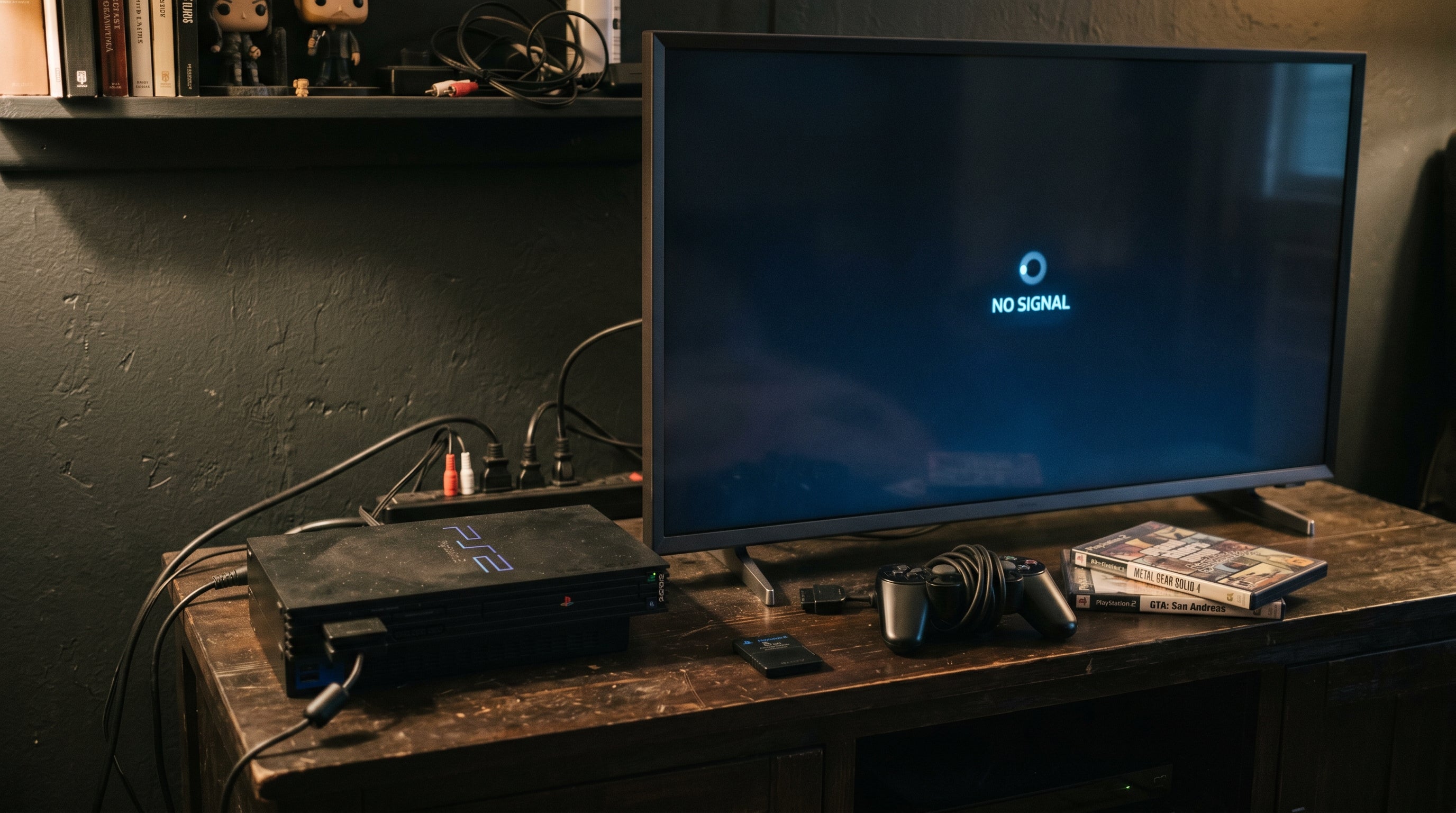
A PS2 that shows no signal or a black screen on a modern TV is almost always a configuration problem, not a hardware failure. The console is working. The TV is working. Something in the chain between them is wrong — and in most cases it comes down to one of four causes.
This guide walks through each cause in order of likelihood, with the exact fix for each one.
Cause 1: PS2 Component Output Set to RGB Instead of YCbCr
This is the most common cause of PS2 signal issues when component cables are involved. The PS2 can output two different color-encoding formats through its component port: RGB and YCbCr (also called YPbPr). Most component-to-HDMI converters expect YCbCr. When the PS2 sends RGB and the converter expects YCbCr, the result is either a strong green tint, heavily distorted colors, or no signal at all.
The fix is changing one setting in the PS2's System Configuration menu.
-
1
Temporarily connect the PS2 via composite cables (the yellow, red, white RCA cables). The PS2 will output a picture via composite even when the component settings are misconfigured.
-
2
From the PS2 main menu, go to System Configuration then Component Video Out. Change the setting from "RGB" to "YCbCr."
-
3
Switch back to your component cables. The converter should now receive the YCbCr signal it expects and display correctly.
YCbCr and YPbPr refer to the same signal format — the PS2 uses "YCbCr" in its menu. Both mean the component color-difference format that component-to-HDMI converters expect.
Cause 2: TV Does Not Accept 480i via HDMI
The PS2's default output is 480i — interlaced standard definition. Most TVs handle this without issue, but certain modern displays, particularly LG OLED C-series models and some Samsung QD-OLED panels, do not accept 480i input through their HDMI ports. They simply show no signal when a 480i source is connected.
This is a TV compatibility issue, not a PS2 problem. The two fixes are: enable 480p output on the PS2 where the game supports it, or use an adapter that handles the 480i-to-HDMI conversion in a way the TV accepts.
The ElectronPulse handles the PS2's component signal correctly, including 480i sources on TVs that can be picky about interlaced HDMI input. For more on this specific issue, the PS2 on a 4K TV guide covers TV compatibility in depth.
Cause 3: Composite-to-HDMI Adapter Issues
If you are using a composite-to-HDMI adapter and getting no signal, a few things could be happening.
-
Adapter needs external power and is not getting it
Many composite adapters require a separate USB power source. Check whether the adapter has a USB input and confirm it is connected to power — not just to the TV's USB port, which may not provide enough current.
-
TV HDMI port is rejecting the output format
Try a different HDMI port on the TV. Some TVs are more permissive on certain inputs — HDMI 2 is often a better choice than HDMI 1 for non-standard signals.
-
Defective adapter
Cheap composite adapters have higher failure rates than component converters. Test the PS2 on another display with the original composite cable to confirm the console itself is outputting correctly, then try a different adapter.
Composite adapters also have a signal quality ceiling well below what the PS2 is capable of. If you are dealing with signal issues and want to upgrade, a component-based adapter like the ElectronPulse uses the PS2's better output format and avoids most of these compatibility problems.
Cause 4: Cable Problems
PS2 component cables are no longer in production. The Sony SCPH-10150 official cable appears on eBay and at used game stores. Third-party cables also exist with varying quality.
A cable with a broken or intermittent connection on any of the five plugs (Y, Pb, Pr, left audio, right audio) can produce a no-signal condition or a distorted image. Swap cables if you have access to a spare, or test the console via composite first to confirm the console itself is working before diagnosing the cable.
Also confirm all plugs are fully seated in both the adapter and the TV. Component plugs can partially insert and make contact only intermittently — particularly on older or worn RCA jacks.
The ElectronPulse accepts the PS2's component signal and outputs HDMI correctly — including proper handling of the PS2's 480i output on TVs that are picky about interlaced input.
Get the ElectronPulse — $34.99 PS2 HDMI Adapter Guide
Share:
Nintendo Wii HDMI Mod Guide
Nintendo 64 on a Modern TV: HDMI Guide