


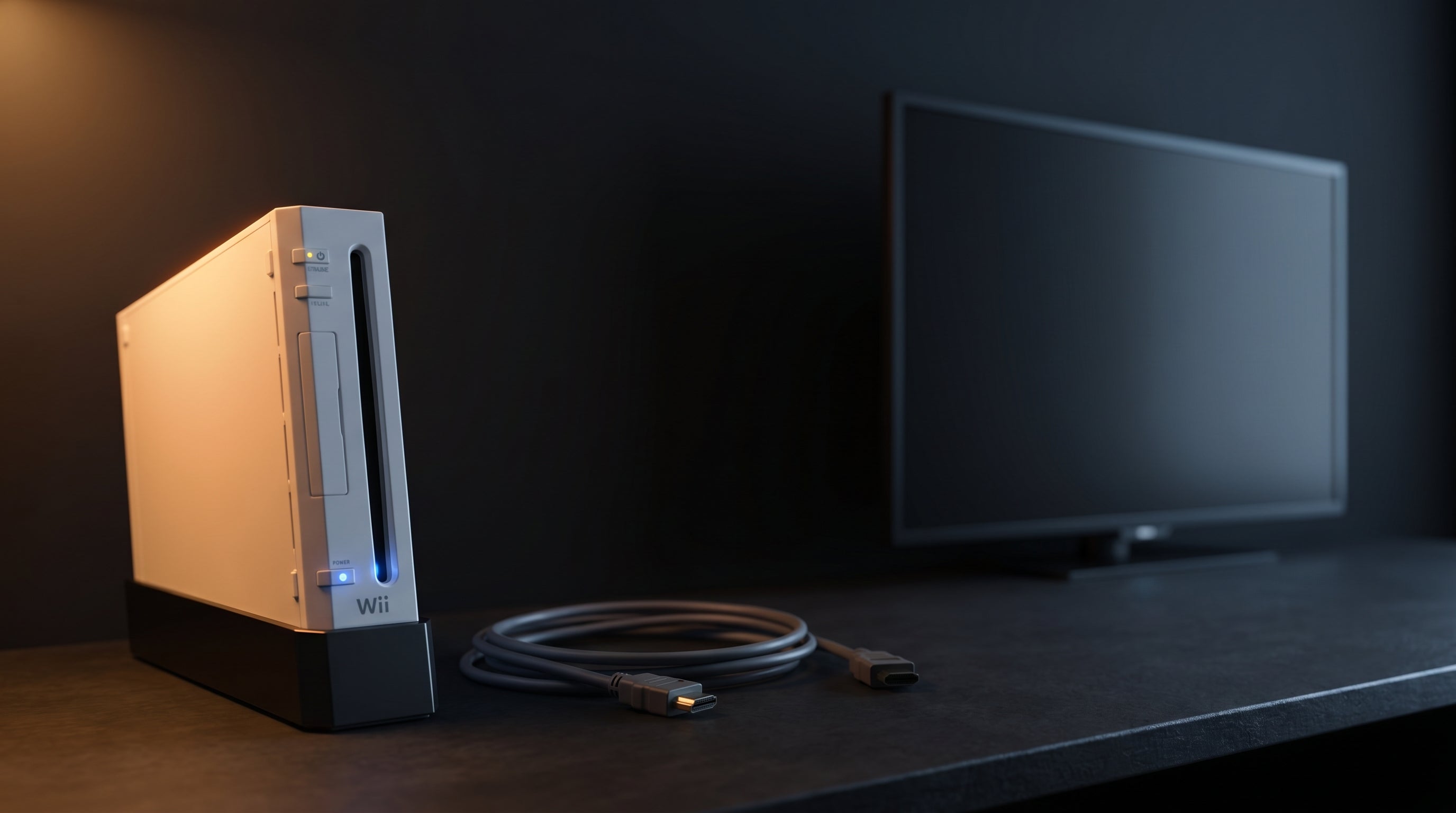
You plugged your Wii2HDMI adapter into the TV, turned on the console, and got "No Signal." Or a black screen with audio. Or a picture that flickers for a few seconds and then drops. The cause isn't always obvious, and some common advice — "test it with your original cables first" — points you in the wrong direction for reasons worth understanding.
This guide is written around the ElectronWarp, but the causes and fixes apply to any Wii2HDMI adapter. Work through them in order — the first fix that works is your answer. Most are resolved in a few minutes. One points to the console hardware rather than the adapter. And one means the adapter itself needs to be replaced.
Start Here Before Anything Else
Three things to check before doing anything else. These account for a large percentage of "no signal" reports and take under two minutes to rule out.
-
1
Select the correct HDMI input on the TV. TVs with multiple HDMI ports require selecting the right one manually. Some ports are labeled by function (ARC, eARC, DVI Compatible) rather than by number. If the TV has an auto-input feature, disable it and select the port directly.
-
2
Reseat the AV Multi connector. The Wii's AV Multi output requires firm seating — more pressure than a typical RCA connection. Unplug it fully, then press it back in until it seats completely. A partially inserted connector produces no signal or an intermittent picture.
-
3
Check the Wii's TV Resolution setting. The Wii defaults to 480i (interlaced output). Go to the Wii System Menu, open Wii Settings (the wrench icon), then Screen, then TV Resolution. Try switching between Standard (480i) and EDTV or HDTV (480p). Some adapters and TVs have trouble with one mode but not the other.
Note: switching to 480p in the Wii menu only saves correctly if a component-capable cable is already connected. If the setting reverts on reboot or produces a blank screen, switch back to Standard (480i) and leave it there.
Your TV Might Be Rejecting the Signal
Some TVs refuse to accept 480i signals from HDMI adapters. Samsung 4K panels are the most commonly reported offenders. This isn't a configuration problem — it's how the TV's internal scaler handles low-resolution interlaced input. The result is a clean "No Signal" message, as if nothing is connected at all.
480i (interlaced). The Wii's default video output. Each frame is drawn in two passes — odd lines first, then even. Standard definition. Widely supported, but some modern 4K panels reject it over HDMI.
480p (progressive). Draws each frame in a single pass. More compatible with modern TVs. Requires enabling EDTV/HDTV mode in Wii settings. The ElectronWarp handles both 480i and 480p without any TV-side configuration.
The quickest test for a TV compatibility problem is to connect the Wii and adapter to a different TV. If it works there, the first TV is the issue.
On the same TV, try a different HDMI port. ARC and eARC ports sometimes handle low-resolution signals differently from standard HDMI ports. Moving to a non-ARC port occasionally resolves a no-signal issue without any other changes.
If you have component cables available, switching the Wii to 480p output (EDTV/HDTV mode) and testing with those first can tell you whether the console's component signal path is healthy before introducing the adapter into the chain.
Picture Settings That Cause a Black Screen
A black screen with no "No Signal" message usually means the TV is receiving something but interpreting the color signal incorrectly. The adapter sends video in limited-range YCbCr format. Some TVs treat this as full-range RGB, which clamps the image to pure black or pure white at the extremes. The display is technically working — it's just showing the wrong thing.
The fix is a one-time TV settings adjustment. The location varies by manufacturer:
-
Samsung — HDMI Black Level
Picture → Expert Settings → HDMI Black Level. Set to Low. This tells the TV the signal uses limited range, not full range.
-
Samsung — HDMI Color Space
Picture → Expert Settings → HDMI Color Space. Set to Auto. Lets the TV detect the format rather than forcing one.
-
LG — HDMI ULTRA HD Deep Color
Settings → Picture → Additional Settings → HDMI ULTRA HD Deep Color. Turn this OFF for the port connected to the Wii. Deep Color mode can cause standard-definition sources to display incorrectly.
-
Sony — HDMI Signal Format
Settings → Display & Sound → Video Output → HDMI Signal Format. Set the connected port to Standard instead of Enhanced Format.
These settings apply per HDMI port, so adjusting them for the Wii's port won't affect other devices. Once set, they stay put. For a full explanation of how color signal formats work, see our guide to composite, component, and RGB video.
Check That the Adapter Is Getting Enough Power
Most Wii2HDMI adapters draw power over USB. When that power is insufficient, the adapter can partially initialize without producing a stable picture. The specific failure pattern: audio comes through but no video, or a picture appears briefly at startup and then drops.
USB power requirement. Most Wii2HDMI adapters need 5V at 500mA or more. The Wii's USB ports supply 500mA, but this is split between both ports when both are active, and voltage can fluctuate under load.
The fix is to power the adapter from a wall charger USB port instead of from the Wii's USB ports. Any USB phone charger rated at 1A or more will work. If this resolves the problem, the adapter is fine — the Wii's USB ports weren't providing enough current.
This failure pattern is distinct from a bad converter chip. A power-starved adapter produces intermittent or brief output. A bad chip produces no output at all, consistently, regardless of where it's powered from.
If Your Old Cables Work but the Adapter Doesn't
This is where a lot of troubleshooting goes wrong, and it's worth understanding before drawing any conclusions about the adapter.
The AV cables that shipped with the Wii, and virtually all cheap HDMI adapters sold on Amazon and at Walmart, use Composite video (CVBS — the red, white, and yellow cable set). The ElectronWarp and other quality adapters use a different signal entirely: Component video (YPbPr). These are not variations of the same thing. They come from separate output circuits inside the console.
Composite video (CVBS). Single-channel analog video. All color information is blended into one signal, carried on a yellow RCA connector. Comes from a dedicated composite output circuit inside the Wii. Used by the original AV cables and most generic HDMI adapters.
Component video (YPbPr). Three-channel analog video. Separates brightness (Y) from two color-difference channels (Pb and Pr). Higher quality and higher fidelity than composite, but a completely separate signal path inside the console. Used by the ElectronWarp and other quality adapters.
Testing with composite cables and getting a picture does not tell you the component signal path is healthy. A console can output clean composite and degraded component at the same time, because these are different circuits.
As the Wii ages, its internal video capacitors degrade. This is becoming increasingly common — these consoles are 15 to 20 years old, and capacitors have a finite lifespan. The component path is more sensitive to capacitor degradation than the composite path, so cap failure often shows up as an adapter problem first, while composite still works fine.
The symptom pattern that points to capacitor degradation: the original AV cables produce a normal picture, but a component-based HDMI adapter produces no signal, a dim or washed-out image, or noise that worsens as the console warms up. Swapping the adapter for a different one — even a known-good one — won't change anything.
If this matches your situation, the console needs capacitor inspection and likely replacement. A repair technician familiar with Wii hardware can diagnose and replace the relevant caps. Once that's done, a quality adapter should work correctly.
If the capacitors have already been serviced and the adapter still doesn't work, move to the next section.
When the Adapter Chip Is the Actual Problem
Generic Wii2HDMI adapters use unbranded converter chips to handle the analog-to-digital conversion. Many of them cannot reliably lock onto the Wii's video signal. This isn't a settings issue or a compatibility mismatch — the chip either handles the signal correctly or it doesn't.
The symptom pattern that points to a bad chip: the adapter produces no signal on multiple TVs, or it never worked consistently from the first day. Audio without video is a common indicator. Changing the power source doesn't improve anything. The console composite output is confirmed good.
There's nothing to configure or adjust here. The converter chip is doing the wrong thing with the incoming signal, and that's fixed by replacing the adapter. The ElectronWarp uses a converter chip designed specifically for the Wii's component output — it handles the signal correctly at both 480i and 480p without requiring any workarounds. For a full breakdown of what separates a quality adapter from a generic one, see our guide on why most Wii HDMI adapters fail on modern TVs.
What a Working Wii2HDMI Adapter Actually Looks Like
If you've switched to the ElectronWarp or had the console capacitors serviced, here's what to expect: the picture appears immediately at power-on and stays stable without flickering or dropping. No input adjustments needed on the TV side.
Color should look accurate — not washed out, not oversaturated. Audio comes through cleanly over HDMI. Switching between 480i and 480p in the Wii settings should produce a picture in either mode without the signal dropping.
If something still doesn't look right after switching adapters, run back through the TV settings section. A small number of TV models need a one-time HDMI color space adjustment before they handle the Wii's signal cleanly — it takes about thirty seconds to check.
If you've worked through this guide and the console hardware checks out but the adapter is still the problem, the ElectronWarp is built around a converter chip that handles the Wii's component output correctly — 480i and 480p — without TV-side workarounds.
Get the ElectronWarp — $23.99 See How Wii2HDMI Adapters Compare
Share:
Best PS2 HDMI Adapters in 2026: An Engineer's Honest Comparison
Best Wii HDMI Adapters in 2026: An Engineer's Honest Comparison