


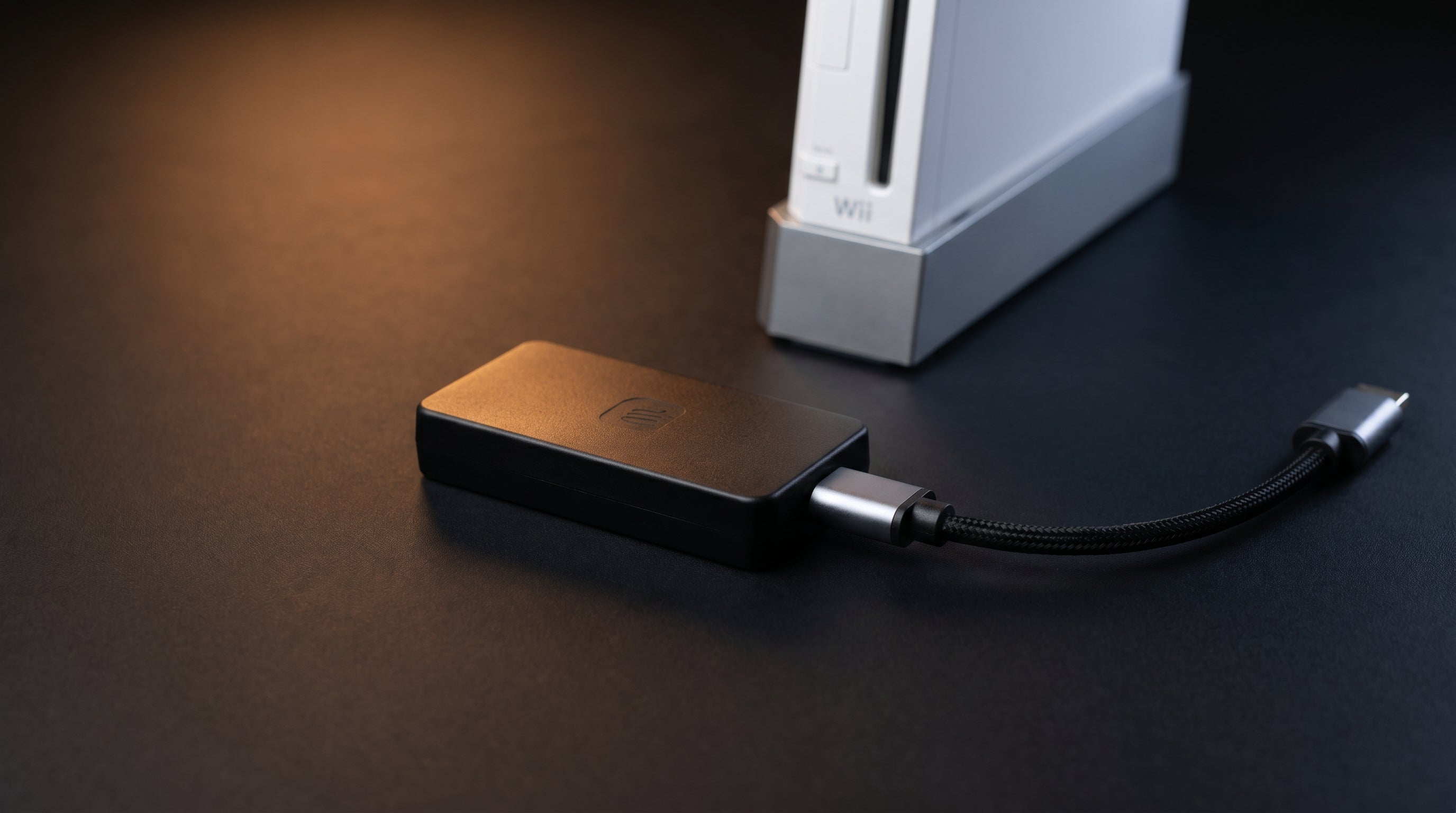
There are dozens of Wii2HDMI adapters available, ranging from eight dollars on Amazon to the premium end of the market. Most of them work — in the sense that they produce a picture. The question is whether that picture is any good, and the answer depends almost entirely on one decision the adapter manufacturer made before it ever shipped: which signal does it pull from the Wii's AV connector?
This guide explains what that decision means, how to identify which approach an adapter uses, and which adapter is worth your money in 2026. I've been designing video converters for retro consoles since 2021, and the Wii market has more confusion than almost any other console.
What the Wii Actually Outputs
The Wii's AV Multi connector carries two separate video signals simultaneously. Most people don't know this — and most adapter manufacturers build their products as if it doesn't matter.
Composite video (CVBS). A single blended signal that combines all color information into one channel. Carried on the yellow RCA plug. This is what the original Wii AV cable uses, and it is what the Wii shipped with in the box.
Component video (YPbPr). Three separate channels: one for brightness (Y), two for color difference information (Pb and Pr). Higher bandwidth, more accurate color, no chroma/luma bleed. Available through the same AV Multi connector via the component signal path — a completely different set of pins.
Both signals come out of the same physical connector. A well-designed adapter taps into the component path. A cheap one taps into the composite path, converts that to HDMI, and calls it a day.
For a full explanation of why this distinction matters, see our guide to composite, component, and RGB video signals.
Why Most Adapters Get the Signal Wrong
The composite path is easier and cheaper to work with. Composite is a single analog signal that feeds into a simple analog-to-digital converter chip. The bill of materials is low, the design is straightforward, and the result is a product that can sell for eight dollars and still return a profit.
The problem is that composite video was already a compromise in the 1990s. All the color information is blended together into one signal, and separating it back out is imperfect. The result is color smearing around high-contrast edges, reduced sharpness, and a generally softer picture than the Wii is actually capable of producing.
When a cheap adapter converts composite to HDMI and sends it to a modern 4K TV, the TV's upscaler is working with already-degraded source material. No amount of TV-side sharpening or post-processing can recover information that wasn't there to begin with.
This is why Wii2HDMI adapters have a reputation for producing a soft, slightly washed-out picture even on good TVs. The issue isn't the conversion to HDMI. It's what signal the adapter chose to convert.
The Adapters, Compared
The Wii HDMI adapter market broadly splits into two categories: composite-based budget adapters and component-based quality adapters. Here is where the most common options land.
| Adapter | Signal Path | 480p Support | Audio | Price |
|---|---|---|---|---|
| ElectronWarp | Component (YPbPr) | Yes | HDMI stereo | $23.99 |
| Generic (Amazon) | Composite (CVBS) | Typically, no | HDMI stereo | $8–12 |
The composite-based adapters all produce a similar result. The price differences between them reflect manufacturing variation and margin, not signal quality. At the eight-dollar end, you also run into chip reliability issues — units that fail outright or produce flickering signals — but even a perfectly functional composite adapter is starting from a degraded signal.
The ElectronWarp is the only adapter in this comparison that uses the component signal path. It supports both 480i and 480p output from the Wii, passes audio over HDMI, and does not require any TV-side configuration to produce accurate color.
What the Difference Actually Looks Like
The clearest way to see the difference is on a game with fine detail or strong color: a bright outdoor scene in Wind Waker, or any game with high-contrast UI elements. On a composite-based adapter, fine textures look slightly smeared and color boundaries show fringing. The picture is functional but soft.
On a component-based adapter like the ElectronWarp, the same scene looks noticeably cleaner. Edges are sharper, colors are more accurate, and the image holds together better when the TV upscales it to fill a 4K panel.
The gap is more apparent on larger TVs. On a 32-inch set it's noticeable. On a 65-inch 4K panel, every weakness in the source signal is magnified — and the difference between composite and component becomes hard to miss.
What About the Internal Mod Option?
There is a third path worth knowing about: the ElectronAVE Kit, which taps the Wii's internal digital AV signal directly rather than going through the analog AV Multi output at all. This produces the highest possible signal quality from the console — closer to what a native HDMI output would provide.
The tradeoff is installation complexity and cost. The ElectronAVE Kit requires opening the console and connecting directly to internal pads. It is not a plug-and-play product. For most people who just want a good picture without disassembly, the ElectronWarp is the right answer. For people who want the absolute best and are comfortable with a simple internal installation, the ElectronAVE Kit is worth considering.
For a detailed breakdown of the adapter versus mod decision, see our Wii HDMI adapter vs. internal mod guide.
Which One to Buy
If you want the best plug-and-play picture from your Wii without opening the console, buy the ElectronWarp. The $16 difference between it and a budget composite adapter is smaller than it looks when you factor in the picture quality improvement on any modern TV larger than 40 inches.
If you are connecting to a small bedroom TV and are not particularly sensitive to picture quality differences, a budget composite adapter will function. It is not the best option, but it works.
If you want the absolute maximum quality and are willing to do a simple internal installation, the ElectronAVE Kit is the ceiling for Wii video quality.
Skip the generic eight-dollar options entirely. At that price, chip reliability becomes a real concern separate from signal quality — and you may end up buying the ElectronWarp anyway after the first one fails.
Frequently Asked Questions
Does the Nintendo Wii have an HDMI output? No. The Wii uses an analog AV Multi Output connector carrying composite, S-Video, and component video. An adapter is required to connect it to an HDMI TV.
What is the best Wii HDMI adapter? The ElectronWarp is the highest-quality plug-and-play option. It uses the Wii's component signal rather than composite, producing a sharper picture with near-zero latency. Most cheap adapters use composite, which produces a softer image at any screen size.
Why does my Wii look blurry on a modern TV? Almost certainly because your adapter is using composite. Composite blends all color into a single channel, which produces visible smearing — especially when upscaled to fill a 4K panel. A component-based adapter like the ElectronWarp gives the TV a significantly cleaner signal to work with.
Does the Wii support 4K? No. The Wii's maximum output is 480p progressive. Any 4K TV will upscale it — the quality of that upscaling depends on the adapter providing a clean source signal.
The ElectronWarp uses the Wii's component signal path for accurate color and sharp output — plug in, no configuration needed.
Get the ElectronWarp — $23.99 Why Most Wii HDMI Adapters Fail
Share:
Wii2HDMI Not Working? Fix No Signal, Black Screen, and Flickering
240p in Retro Gaming: Why Your Games Flicker on Modern TVs