


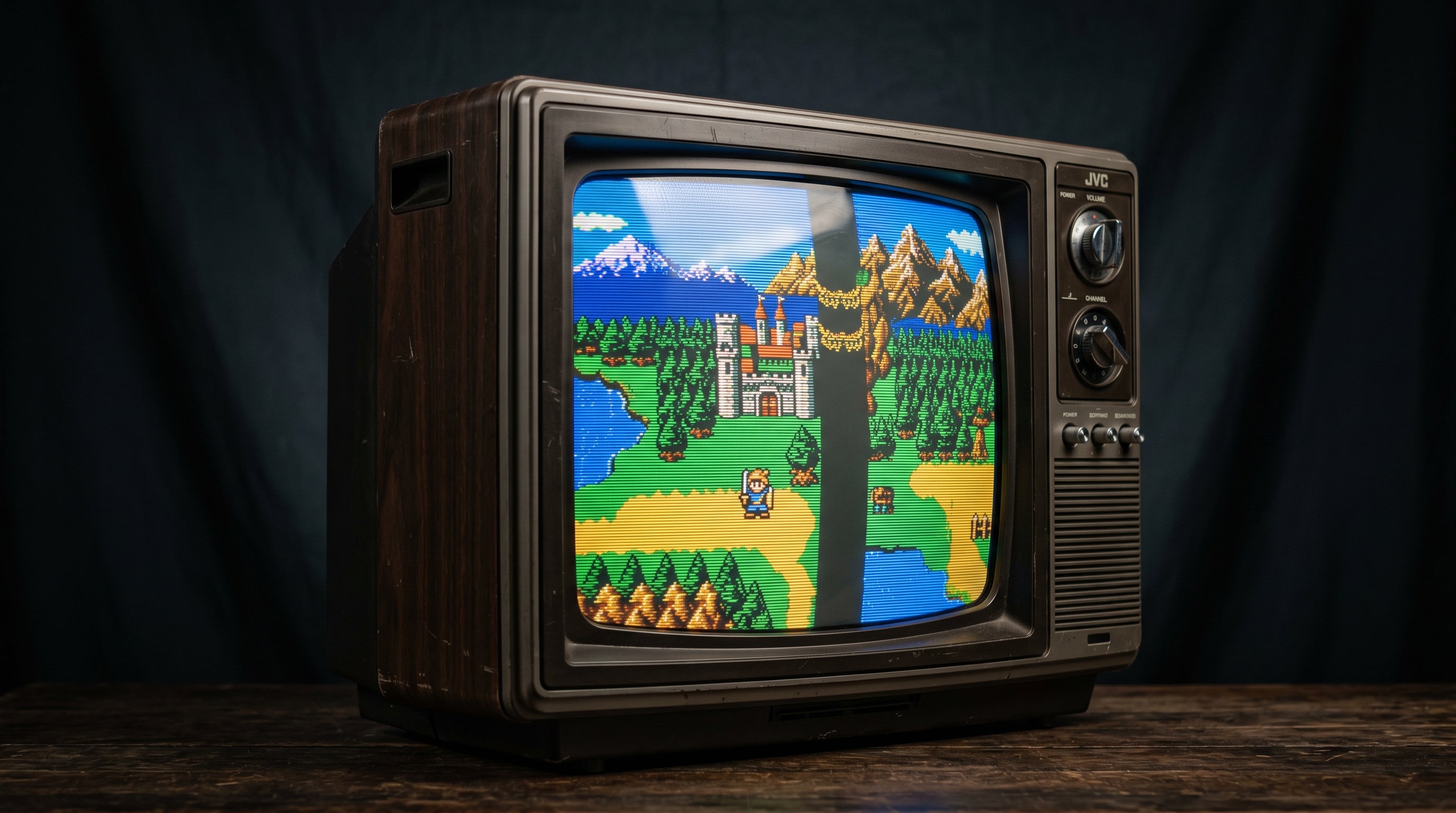
Most retro consoles render games at 240 active scanlines, then send that image over the same wire format used for 480i broadcast television. Modern digital TVs see that signal and assume it is 480i. What follows is a specific kind of flicker that has nothing to do with your cables, your TV settings, or a faulty console. It is a fundamental mismatch between how these consoles were designed to work and how modern displays process incoming video.
What 240p Actually Is
The "240p" label is a shorthand for a signal that contains 240 active lines of picture data, transmitted progressively. Progressive means all 240 lines are drawn in a single pass from top to bottom on every frame. Most 8-bit and 16-bit era consoles work this way: the NES, Super NES, Sega Genesis, and Sega Master System all produce a 240p output under normal 2D gameplay.
The counterintuitive part is the sync frequencies. A 240p signal uses the same horizontal and vertical sync rates as 480i broadcast video. In practice, that means a 240p signal looks electrically identical to a 480i signal at the sync level. A TV that does not specifically recognize 240p as its own format will classify it as 480i and treat it accordingly.
240p signal characteristics. 240 active scanlines, progressive draw, ~15.73 kHz horizontal sync, ~59.94 Hz vertical sync. Electrically compatible with the 480i sync envelope, which is why non-240p-aware displays misidentify it.
The "p" in 240p stands for progressive, which is the important distinction. In a progressive signal, every line is drawn every frame. In an interlaced signal like 480i, the frame is split into two alternating fields of 240 lines each. Understanding that difference explains exactly what goes wrong on a modern TV.
If you want to understand how this signal travels over different cable types, the composite vs. component vs. RGB guide covers the physical signal paths that carry 240p from your console to your display.
Why Modern TVs Misread 240p
Modern digital TVs are built around a deinterlacer, a circuit or algorithm that takes interlaced video and converts it to a progressive signal the display panel can render. When a TV receives what it thinks is 480i, that deinterlacer activates.
A true 480i signal is made of two fields. Field one contains the odd-numbered scanlines. Field two contains the even-numbered scanlines. They alternate at roughly 60 fields per second, producing 30 complete frames per second. The deinterlacer's job is to take those two fields and combine them into a single progressive frame.
A 240p signal is not structured that way. It is a single repeated field. There are no alternating odd and even fields carrying complementary image data. Every "field" is the same 240 lines of picture.
When the TV's deinterlacer receives a 240p signal, it follows its normal procedure: wait for field one, wait for field two, combine them. But field one and field two are the same image, just repeated. The deinterlacer tries to weave them together and produces a combed, flickering result. You are seeing the deinterlacer fail to find two distinct fields that were never there to begin with.
What deinterlacing expects. Two fields with complementary scanlines (odd lines in field 1, even lines in field 2), combined into one progressive frame.
What 240p delivers. One field, repeated. The deinterlacer attempts to combine identical data and produces combing artifacts and flicker.
The deinterlacing artifact from 240p tends to be most visible on horizontal motion and fine detail. Sprites moving across a background, scrolling text, or fast-moving platforms will show the most combing. Static screens may look acceptable, which is why some people only notice the problem during gameplay.
This is also related to input lag. Deinterlacing is a computationally intensive process, and many TVs introduce significant frame delay when processing 480i signals. The retro gaming input lag guide covers how to measure and reduce this, but the root cause in 240p cases is that the TV is working much harder than it needs to.
Which Retro Consoles Output 240p
The short answer is most pre-PlayStation-era hardware, and a significant portion of PS1 and Saturn titles.
240p natively. NES, Super NES, Sega Genesis / Mega Drive, Sega Master System. All 2D output from these consoles is 240p.
240p for most 2D games. PlayStation 1 (2D games and 2D modes; some 3D titles output 480i). Sega Saturn (most titles).
Mixed output. Nintendo 64 (typically 240p for 2D games, some titles 480i). Game Boy Player on GameCube (240p, matching the original Game Boy output).
480i or higher by default. PlayStation 2 (480i standard; 480p with component and game support). Wii (480i/480p). GameCube running GameCube titles (480i or 480p with component).
The practical test is to check whether you notice more flicker during fast motion in 2D games and almost none during 3D games on the same console. If that pattern holds, you are seeing 240p flicker rather than a hardware fault.
How to Fix It: Upscalers That Handle 240p Correctly
The fix is an upscaler that specifically detects and processes 240p as a progressive signal, bypassing the TV's deinterlacer entirely. These devices sit between your console and your TV, convert the 240p signal to a modern resolution that the TV can display natively (typically 720p or 1080p), and output it over HDMI as a clean progressive frame.
Two upscalers that handle 240p well are commonly recommended in this space.
The RetroTINK-5X is the current benchmark for 240p upscaling. It correctly identifies 240p from composite, S-Video, component, and RGB sources, and processes it without deinterlacing artifacts. It has extensive options for scanline emulation, integer scaling, and output resolution control.
The OSSC (Open Source Scan Converter) takes a different approach: it line-multiplies the 240p signal (doubling or quadrupling the lines) rather than upscaling, which preserves the original progressive character of the image. It requires a TV that accepts 480p or 960p input, which most modern TVs do over HDMI.
A CRT television sidesteps this problem entirely. CRTs were designed for 240p and display it natively without any deinterlacing. If you have a CRT available and want the original display experience, that is a legitimate option.
If you are researching upscaler options more broadly, the retro gaming upscaler guide compares the main options across price points and console compatibility.
Where the DigitalGBS Kit Fits In
The DigitalGBS Kit ($39.99) is an add-on board for the GBS8200, a low-cost upscaler board that handles 240p input from component, RGB, and VGA sources. On its own, the GBS8200 outputs VGA. The DigitalGBS Kit replaces the GBS8200's output stage with a clean HDMI signal, which makes the combination more practical for modern TV setups.
To be direct about what this does and does not do: the GBS8200 is the component doing the 240p work. It detects the signal as progressive and processes it correctly when configured with the GBS-Control firmware. The DigitalGBS Kit adds the HDMI output stage. Neither product alone solves 240p, and the DigitalGBS Kit is not a standalone upscaler.
GBS8200 role. Accepts 240p from component, RGB SCART, or VGA sources. With GBS-Control firmware, detects 240p as progressive and upscales correctly. Outputs VGA natively.
DigitalGBS Kit role. Replaces the GBS8200's VGA output with HDMI. Adds clean digital output to the GBS8200 pipeline. Does not perform upscaling independently.
The GBS8200 + DigitalGBS Kit combination is one of the most affordable paths to proper 240p handling. The GBS8200 itself costs around $20-25 from electronics suppliers, and the DigitalGBS Kit brings the total system to around $60. That compares favorably with an OSSC (around $150) or a RetroTINK-5X (around $250), with some trade-offs in flexibility and output quality.
The ElectronAnalog ($13.99) is a different product for a different scenario. It accepts VGA or component input and outputs HDMI. If you already have an upscaler outputting VGA, the ElectronAnalog gives you an HDMI connection from that upscaler to your TV. It is not involved in the 240p detection or processing step.
Frequently Asked Questions
Is 240p actually 240 lines? Yes, but with an important caveat. 240p has 240 active scanlines of picture content. The signal is transmitted using the same sync frequencies as 480i, which is why a TV that is not 240p-aware treats it as 480i. The "240p" label refers to the active line count, not a new sync standard.
Does a Wii have the 240p problem? Not by default. The Wii's menu and most Wii titles run at 480i or 480p. However, Virtual Console titles that emulate older hardware can output 240p signals. If you are playing Wii games exclusively, 240p is not likely your issue. The problem is much more common with NES, SNES, and Genesis hardware connected directly to a modern TV.
Will a cheap HDMI adapter fix the 240p problem? No. A passive or low-cost HDMI adapter converts the signal format without understanding the content. It passes the 240p signal along as 480i, and your TV's deinterlacer does the rest badly. Proper 240p handling requires an upscaler that actively detects and processes the signal as progressive, not interlaced. An adapter that does not specifically advertise 240p detection will not solve this.
The DigitalGBS Kit adds a clean HDMI output to the GBS8200 upscaler board, which handles 240p from component, RGB, and VGA sources. If you are building a budget-friendly 240p setup, it is a practical starting point.
DigitalGBS Kit — $39.99 ElectronAnalog — $13.99
Share:
Best Wii HDMI Adapters in 2026: An Engineer's Honest Comparison
GameCube DOL-001 vs DOL-101: Which Revision to Buy and Why It Matters