


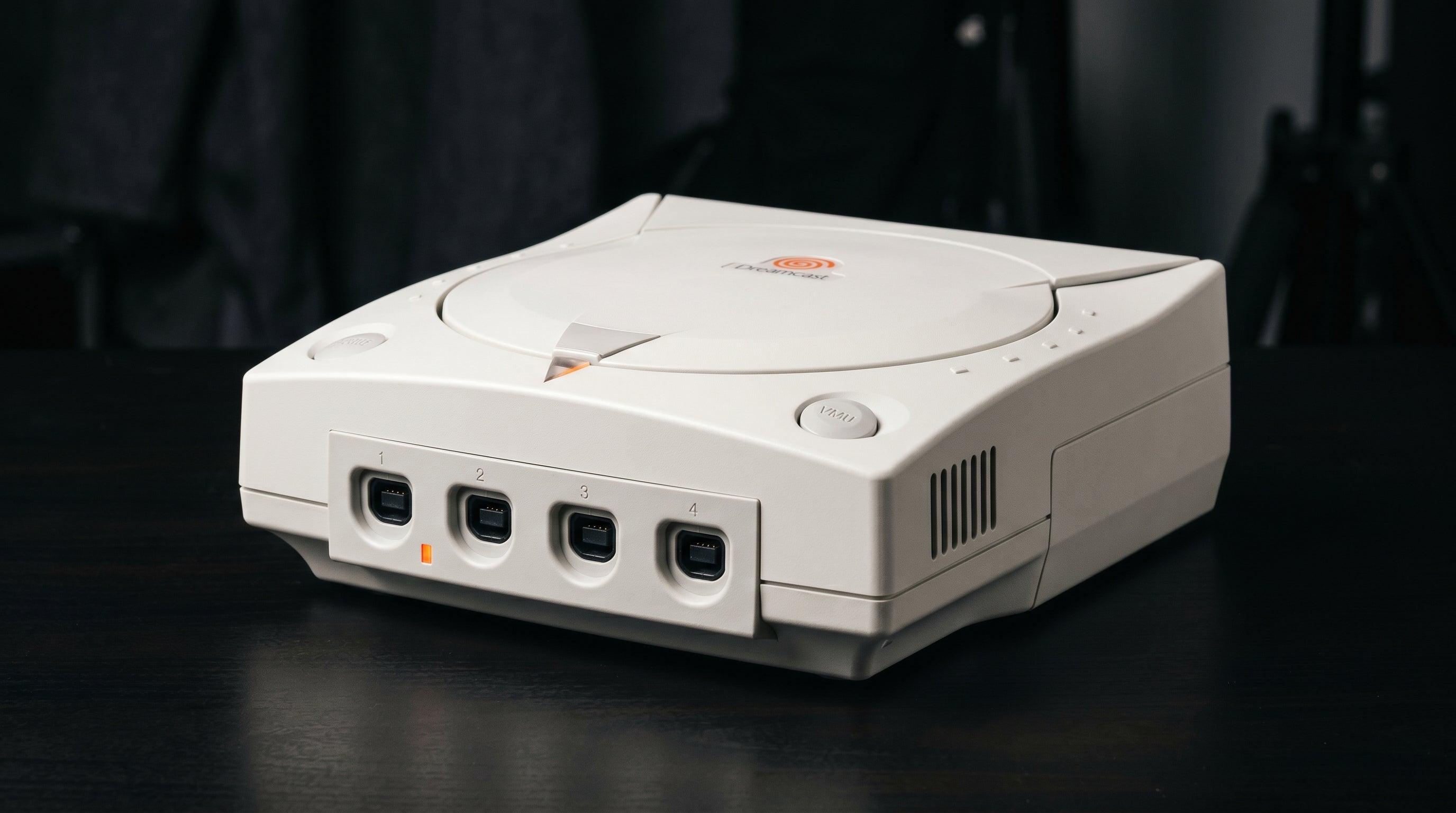
The Sega Dreamcast has one of the cleanest video outputs of any retro console from its era. While most fifth-generation consoles are limited to composite or S-Video, the Dreamcast includes a standard VGA connector on the rear panel that outputs a full 480p progressive signal. Getting that to a modern HDTV takes one cable and one adapter.
What makes the Dreamcast VGA output exceptional
The Dreamcast's VGA port outputs RGBHS (Red, Green, Blue, Horizontal Sync, Vertical Sync) at 480p progressive scan. This is a standard VGA signal, identical in format to what early PC monitors accepted in the early 2000s.
That matters because 480p progressive is a fundamentally cleaner signal than what most consoles of the same generation could produce. Composite video blends all color information into one signal, creating soft edges and color bleed. S-Video separates luminance from chrominance but still limits resolution. Component video (YPbPr) from consoles like the PS2 or GameCube is excellent, but the Dreamcast's analog RGB output is competitive with the best of them. For a console released in 1998, this was genuinely ahead of the market.
If you want the full context on how these signal types compare, the composite vs. component vs. RGB guide covers the technical differences in detail.
The two output connectors on the Dreamcast
The Dreamcast rear panel has two video-related connectors. It helps to know what each one does before buying any cables.
AV Out. Proprietary Sega connector, same general area as the power port. Carries composite video and S-Video along with stereo audio. This is the lower-quality path and is mostly useful as a fallback.
VGA Out (DB-15). Standard 15-pin VGA connector. Carries RGBHS at 480p progressive with stereo audio on adjacent 3.5mm jacks. This is the high-quality path and the focus of this guide.
Most Dreamcast setups you see online using a basic composite cable are leaving a significant amount of picture quality on the table. If your goal is the best possible image, the VGA connector is where to start.
VGA cables: what to look for
Several third-party manufacturers make Dreamcast VGA cables. These are standard DB-15 VGA cables with a connector that fits the Dreamcast's VGA port on one end. The VGA signal itself is straightforward, and most cables carry it cleanly.
Audio requires more attention. The Dreamcast's VGA connector carries stereo audio on 3.5mm jacks adjacent to the VGA port, but not all VGA cables break these out the same way. Some cables include a 3.5mm audio output; others require a separate audio adapter. Confirm the audio path before purchasing, and verify that any VGA-to-HDMI converter you buy accepts an audio input.
VGA game compatibility
Not all Dreamcast games support VGA output. The Dreamcast BIOS includes a compatibility check that allows developers to flag whether their game supports VGA mode. Games that are not VGA-compatible will either fail to boot entirely when a VGA cable is connected, or display a compatibility warning and refuse to proceed.
The majority of the Dreamcast library does support VGA, and a widely-maintained compatibility list is available online. It is worth checking before you buy a specific title if you plan to use the VGA path exclusively.
For VGA-incompatible games. Keep a composite-to-HDMI adapter connected to the Dreamcast's AV Out port as a fallback. An HDMI switch makes it easy to flip between the VGA path and the composite path without reconnecting cables. The picture quality difference will be noticeable, but the games will run.
Getting VGA to a modern TV
Modern televisions have dropped VGA inputs almost universally. A TV purchased in the last decade almost certainly does not have one. This means you need a converter between the Dreamcast's VGA output and your TV's HDMI input.
The right approach here is a dedicated VGA-to-HDMI converter that accepts audio input and produces a clean HDMI signal. That is what the ElectronAnalog is built to do.
-
1
Dreamcast VGA Out — the DB-15 connector on the rear panel, carrying RGBHS at 480p with stereo audio on 3.5mm.
-
2
VGA cable — a third-party Dreamcast VGA cable with audio output (3.5mm or RCA).
-
3
ElectronAnalog — accepts VGA + audio in, outputs HDMI with under 1ms latency.
-
4
TV HDMI input — standard HDMI, any modern television.
The ElectronAnalog accepts VGA through UXGA resolutions and includes an audio input — the two requirements that matter most for this signal chain.
ElectronAnalog: the right converter for this job
The ElectronAnalog is a compact VGA-to-HDMI and component-to-HDMI converter designed for exactly this kind of retro console use case. It accepts RGBHS (standard VGA) input with a 3.5mm audio input, and outputs HDMI with under 1ms of added latency.
That audio input matters. Many generic VGA-to-HDMI adapters pass only the video signal and ignore audio entirely. The ElectronAnalog handles both, which means your TV gets a proper HDMI signal with synchronized stereo audio from the Dreamcast.
It supports VGA through UXGA resolutions, so it will handle the Dreamcast's 480p output cleanly without any scaling or processing artifacts. The output is 480p carried over HDMI, which modern TVs handle correctly.
What about upscalers?
Upscalers like the RetroTINK-5X or OSSC both accept VGA input and will work with a Dreamcast. If you already own one of these devices, connecting the Dreamcast's VGA output to it is a valid and clean signal chain. The retro gaming upscaler guide covers those options in more detail.
That said, the primary benefit of an upscaler is converting low-quality or interlaced signals (240p, 480i) into something a modern TV can display cleanly. The Dreamcast's VGA output is already 480p progressive, so the main gains an upscaler adds at this stage are cosmetic: scanline filters and integer scaling modes. Those are legitimate reasons to use one. But if the goal is simply a clean picture with minimal setup, the VGA-to-HDMI path through the ElectronAnalog gets you there for less money and less complexity.
DCHDMI: the internal mod option
The DCHDMI is an internal modification board that taps the Dreamcast's digital video signal before the VGA analog stage and routes it directly to an HDMI output. It is the highest-quality option available for the Dreamcast, bypassing the analog conversion entirely.
If you are a collector who wants the absolute best the hardware can produce, the DCHDMI is the right answer. But it is worth being honest about the tradeoff: the improvement over a good VGA-to-HDMI path is incremental. The Dreamcast's analog VGA output is already clean, and a quality converter like the ElectronAnalog preserves that cleanly. The DCHDMI requires internal installation and costs meaningfully more than an external adapter. For most people, the VGA path is the practical choice.
For a broader comparison of HDMI approaches for the Dreamcast, see the Dreamcast HDMI connection guide.
ElectronAnalog
VGA and component-to-HDMI converter. Accepts RGBHS input with audio, outputs HDMI with under 1ms latency. The correct converter for the Dreamcast VGA path.
Share:
GBS8200 Upscaler Guide: What It Does, Its Limits, and How to Get HDMI Out
How to Get the Best Picture from Your Original Xbox on a Modern TV